How to Clean Levoit Tower Fan
If your Levoit tower fan isn’t circulating air like it used to, or you’ve noticed dust buildup around the vents, it’s likely time for a clean. Over time, dust, pet hair, and airborne particles accumulate on the exterior and inside the fan’s housing, reducing airflow and potentially affecting indoor air quality. Knowing how to clean a Levoit tower fan properly ensures peak performance, quieter operation, and a longer lifespan. While Levoit doesn’t always include detailed cleaning steps in their packaging, following a safe, step-by-step process based on standard tower fan design and manufacturer-recommended practices will keep your unit running efficiently.
This guide walks you through every step, from unplugging and disassembly to blade cleaning and reassembly, using only safe methods that protect the motor and electronics. You’ll also learn how often to clean your fan, what tools you need, and common mistakes to avoid. Whether you own a basic oscillating tower fan or a hybrid air purifier model, these universal cleaning principles apply to all Levoit vertical fans.
Unplug Before You Start
Safety First: Prevent Electrical Hazards
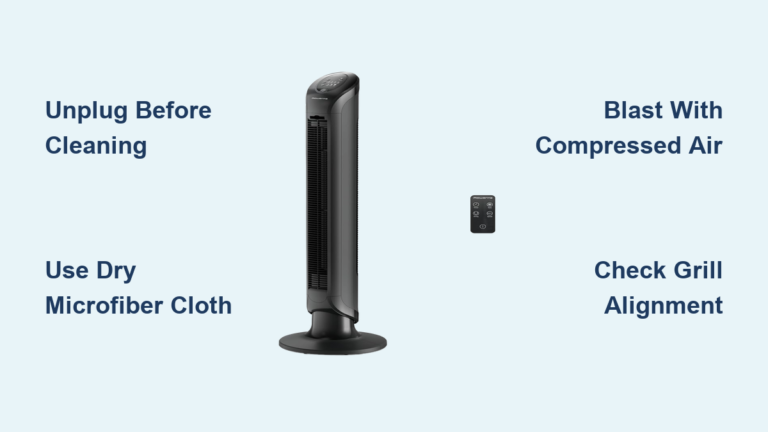
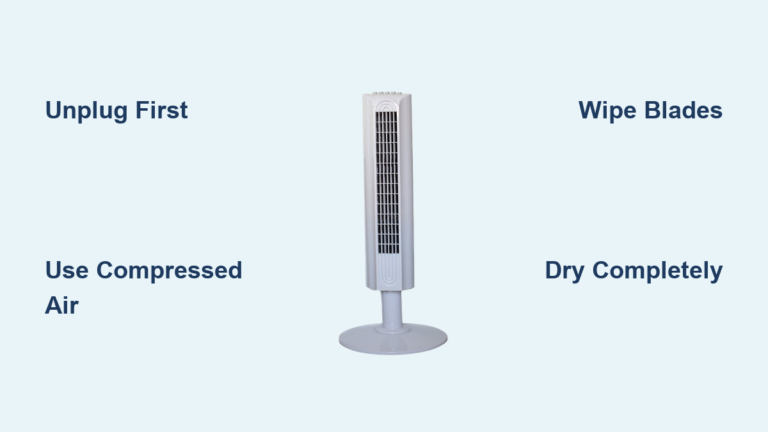
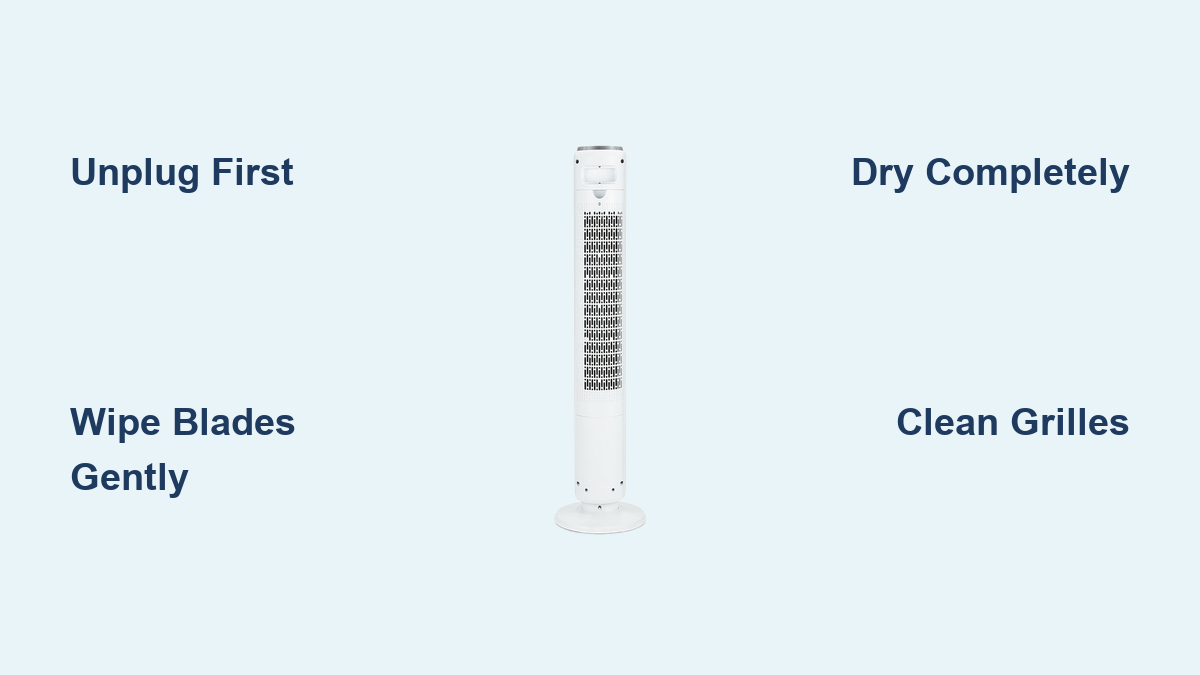
Always unplug the Levoit tower fan before cleaning. Even low-voltage components can be damaged by moisture, and accidental activation during cleaning could cause injury. Never wipe the unit while it’s plugged in or damp. This simple step prevents shocks, short circuits, and motor damage.
Wait until the fan has completely cooled down if it was recently in use. Cleaning a warm motor housing can trap heat and slow drying, increasing the risk of internal condensation.
Gather Your Cleaning Supplies
What You’ll Need
Having the right tools makes the job faster and safer. You will need a soft microfiber cloth that is lint-free, mild dish soap, warm water, a small brush like a toothbrush or electronics brush, compressed air in a can as an optional tool, a screwdriver if required for your specific model, and a towel for drying parts.
Avoid harsh chemicals like bleach, ammonia, or abrasive cleaners. These can damage plastic finishes and leave residues that affect air quality. Also, never submerge the fan base or motor housing in water.
Remove the Front and Rear Grilles

Accessing the Interior
Most Levoit tower fans have removable front and rear grilles held in place by clips or screws. Start by checking the base or back panel for visible screws. Use a Phillips screwdriver if needed, but many models are tool-free.
Gently pull the front grille straight off. It may snap into place with plastic clips, so apply even pressure to avoid cracking. Set it aside on a clean surface.
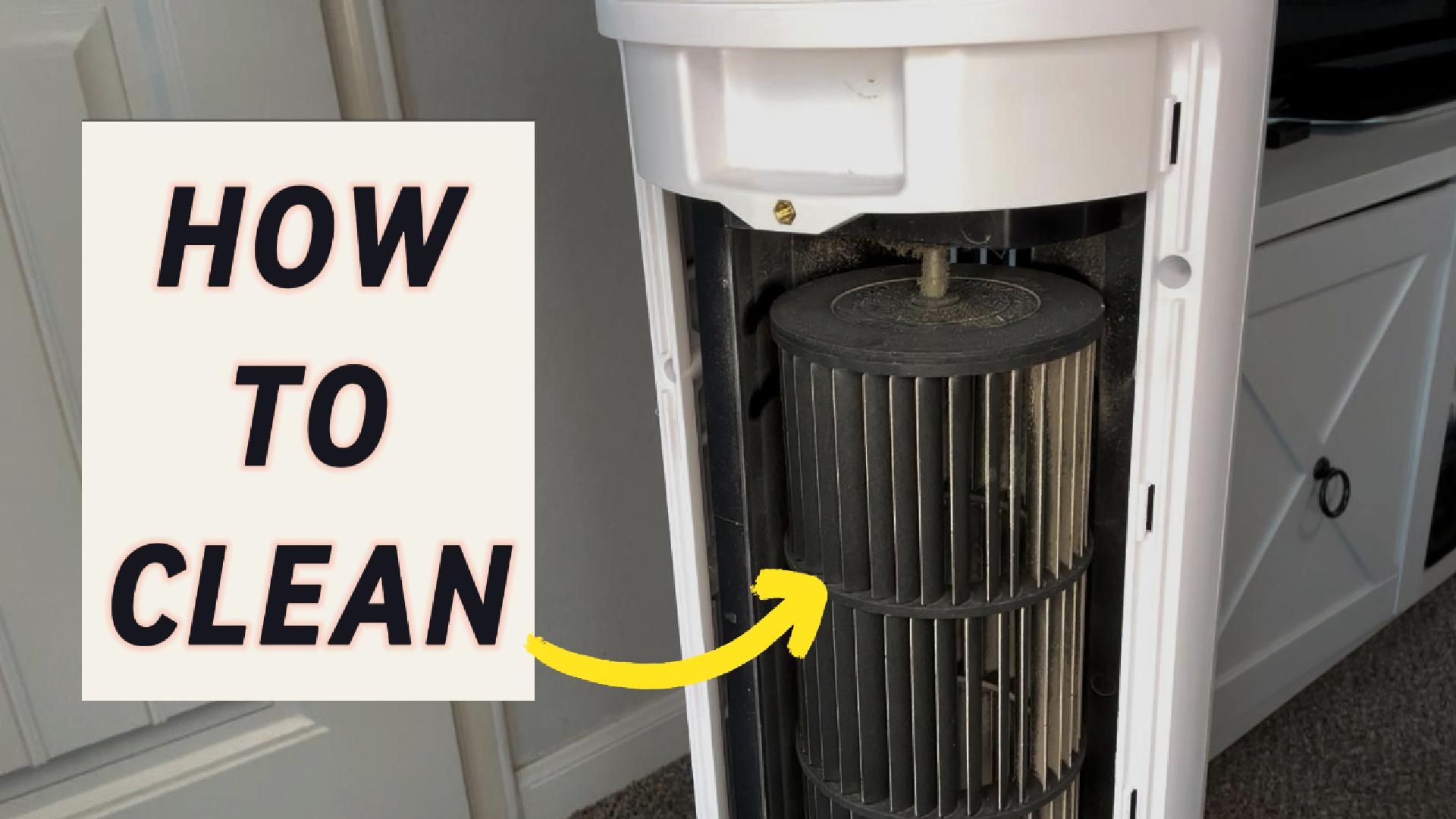
Next, remove the rear grille. This often detaches the same way. With both grilles off, you’ll have full access to the internal blades and fan housing.
Pro Tip: Take a photo before disassembly. It helps with reassembly, especially if your model has multiple clips or alignment tabs.
Clean the Fan Blades

Dust and Debris Buildup
The blades are the most critical part to clean. Dust buildup unbalances airflow and forces the motor to work harder.
Use a dry microfiber cloth to wipe each blade carefully. For stubborn grime, dampen the cloth with a mix of warm water and a drop of mild dish soap. Wring it out well, the cloth should be barely damp, not wet.
Wipe each blade from base to tip, following its curve. Flip the housing if needed to reach all angles.
For tight spaces between blades, use a soft-bristled toothbrush. Dip it lightly in soapy water, then scrub gently. Avoid applying pressure that could bend blades.
Warning: Never pour water or spray cleaner directly onto the blades or motor. Moisture can seep into electrical components and cause permanent damage.
Wipe the Internal Housing
Eliminate Hidden Dust
With the grilles off, use a dry microfiber cloth to wipe down the inside of the front and rear casings. These areas collect dust even when the fan isn’t running.
For hard-to-reach corners, use compressed air to blow out loose particles. Hold the can upright and spray in short bursts to avoid moisture discharge.
Follow up with a slightly damp cloth to remove sticky dust films. Dry immediately with a second cloth.
Clean the Grilles
Restore Airflow and Appearance
The front and rear grilles trap the most visible dust. Soak them in warm, soapy water for 10 to 15 minutes. This loosens grime without damaging the plastic.
After soaking, use a soft brush to scrub between the slats. A toothbrush works perfectly for tight gaps.
Rinse thoroughly under running water and place on a dry towel to air-dry completely. Do not reassemble until both grilles are 100 percent dry, which typically takes 1 to 2 hours depending on humidity.
Expert Note: If you have pets, grille cleaning every 2 to 3 weeks helps maintain airflow. Pet hair clogs vents faster than regular dust.
Check for Filters If Applicable
Is Your Fan Also an Air Purifier
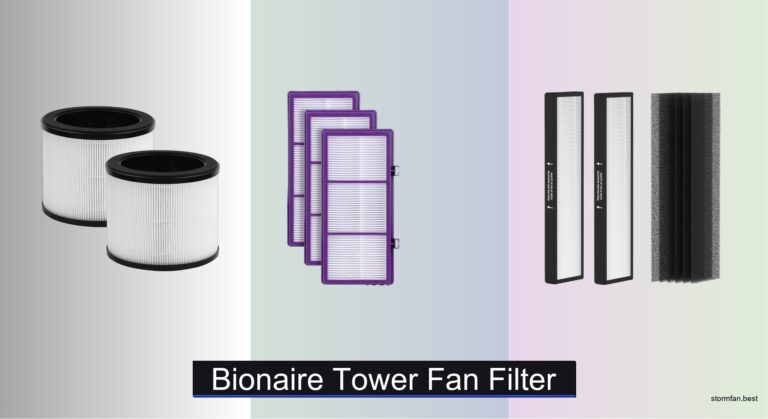
Some Levoit tower fans are actually air circulators with built-in air purification, such as the Levoit Core 300 Tower as a hybrid model. If your unit has a filter, it needs separate maintenance.
Locate the filter compartment, which is usually behind the rear grille or in the base. Pull out the filter gently.
For a pre-filter that is washable, vacuum first, then rinse under cool water. Let it dry for 24 hours before reinserting.
For a HEPA or carbon filter that is non-washable, do not wash. Tap gently to remove dust or replace per manufacturer schedule, which is typically every 6 to 8 months.
FAQ: Can you run a Levoit purifier-fan without a filter? Technically yes, but it won’t clean the air, it will only circulate it. Always replace expired filters for full functionality.
Reassemble the Fan
Snap It Back Together
Once all parts are dry, reassemble in reverse order. Reattach the rear grille first. Then align the front grille and press until all clips snap into place. Finally, reinsert any screws and tighten gently, as over-tightening can crack plastic.
Ensure the grilles sit flush with no gaps. Misaligned covers can rattle during operation or block airflow.
Plug the fan back in only after confirming everything is dry and secure.
Test After Cleaning
Verify Proper Operation
Turn on the fan and listen for unusual noises like grinding or rattling. These may indicate a misaligned grille or blade.
Check all speed settings and oscillation if equipped. If the fan won’t power on, double-check that the grilles are fully seated, as many models have safety switches that disable operation if covers are loose.
Run the fan for 10 minutes to ensure normal heat dissipation and airflow.
Cleaning Frequency Guide
How Often Should You Clean
For light usage of 1 to 2 hours per day, clean every 6 to 8 weeks, which is ideal for guest rooms or seasonal use.
For moderate usage with daily use, clean every 3 to 4 weeks, which is the most common home usage.
For heavy usage with pets or allergies, clean every 2 weeks to prevent clogging and maintain air quality.
Dust-heavy environments such as construction zones or rural areas may require more frequent cleaning.
Signs It’s Time to Clean include reduced airflow, unusual noise, visible dust on grilles, or a musty odor when turned on.
Avoid These Common Mistakes
Protect Your Fan and Warranty
Avoid using too much water. Never soak the fan body because moisture in the motor voids warranties and causes rust.
Avoid skipping drying time. Reassembling wet parts leads to mold and electrical issues.
Avoid using vacuum cleaners on blades. Most household vacuums are too strong and can bend or break plastic blades.
Avoid ignoring the base vents. Dust enters through bottom intake grilles, so wipe them monthly with a dry cloth.
Avoid forcing disassembly. If a grille won’t budge, double-check for hidden screws. Forcing clips can break them.
Extend Your Fan is Lifespan
Maintenance Tips
Dust weekly by wiping the exterior with a dry cloth to prevent buildup.
Store properly by cleaning thoroughly and keeping in a dry place with covers on if storing seasonally.
Use a surge protector to protect against power spikes that can damage the motor or control board.
Avoid high humidity. Don’t run the fan in steamy bathrooms unless it is rated for it.
Frequently Asked Questions About Cleaning Levoit Tower Fans
Can I Use a Vacuum Cleaner to Clean the Blades?
Most household vacuums are too strong and can bend or break plastic blades. Use a soft microfiber cloth or a soft-bristled toothbrush instead.
How Do I Know If My Levoit Tower Fan Has a Filter?
Check the base or behind the rear grille. If your model is a hybrid air purifier, you will find a filter compartment there.
What Happens If I Reassemble the Fan While Wet?
Reassembling wet parts leads to mold growth and electrical issues. Always ensure all parts are completely dry, which typically takes 1 to 2 hours.
Can I Use Bleach or Ammonia to Clean the Grilles?
No. Harsh chemicals like bleach and ammonia damage plastic finishes and leave residues that affect air quality. Use mild dish soap and warm water instead.
How Often Should I Clean My Levoit Tower Fan With Pets?
If you have pets, clean the grilles every 2 to 3 weeks and perform a full cleaning every 2 weeks to prevent clogging from pet hair.
Key Takeaways for Maintaining Your Levoit Tower Fan
Cleaning your Levoit tower fan does not take long, but it makes a big difference in performance and air quality. By unplugging first, using gentle cleaning methods, and drying all parts completely, you will keep your fan running quietly and efficiently for years. Most models require cleaning every 3 to 6 weeks depending on use, especially in homes with pets or allergies. Stick to soft cloths, mild soap, and patience. Avoid water exposure to electronics, and never rush reassembly. With regular care, your Levoit tower fan will continue delivering smooth, clean airflow all year round.