How to Clean Rowenta Tower Fan
Is your Rowenta tower fan blowing dust instead of cool air? You’re not alone. Over time, even the quietest, most efficient models like the Turbo Silence Extreme accumulate dust inside the blade column and vents, reducing airflow and circulating allergens. The good news: with the right method, you can restore peak performance in under 30 minutes without damaging your unit. This guide delivers a step-by-step cleaning process tailored specifically to Rowenta’s design, including critical safety steps, model-specific disassembly tips like the VU 5670’s one-piece grill, and maintenance best practices.
Safety First: Unplug and Prepare
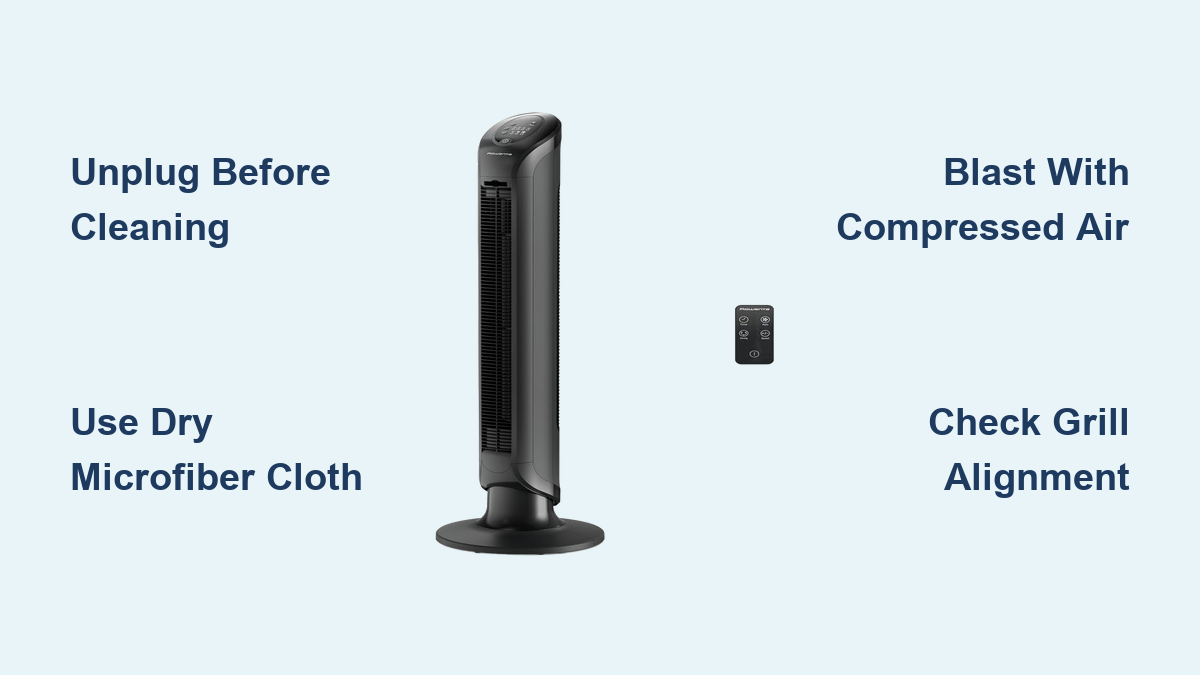
Before touching any part of your fan, safety is non-negotiable. Start by turning off the unit and unplugging it from the wall. Never clean a plugged-in fan, even if it’s switched off. Residual power can pose electrical risks, especially if moisture is involved. If the fan was running recently, wait 15 to 20 minutes to let internal components cool down. Hot motor parts can cause burns and may warp when exposed to damp cloths.
Essential Cleaning Tools
Gather these supplies before starting. You will need a microfiber cloth, both dry and slightly damp. Mild dish soap and water work well for sticky spots. A soft-bristled brush or paintbrush helps loosen dust from crevices. A compressed air can blasts dust from internal areas. A handheld vacuum with a brush attachment extracts debris. A flat-tip screwdriver is needed for models requiring disassembly.
Avoid harsh chemicals, wet sponges, or high-pressure water. Rowenta tower fans are not waterproof. Water intrusion into the base or motor housing can permanently damage electronics.
What Not to Do
Never spray water or cleaner directly into vents. Never soak any component. Never use abrasive pads or strong solvents. Never force apart plastic clips or twist grills. Breaking these rules risks short circuits, motor failure, or cracked housings, especially on models with tight-fitting clips like the VU 5670.
Non-Invasive Cleaning: Fast and Safe

For most users, this is the ideal method. Rowenta designs many tower fans like the Fresh 180 to resist full disassembly. This approach keeps your warranty intact while removing 80 to 90 percent of dust.
Wipe Down Exterior Surfaces
Use a dry microfiber cloth to wipe the entire outer surface. Pay attention to the front grill, top grille, and base. For sticky spots, lightly dampen the cloth with soapy water, but never spray directly. Wring thoroughly so the cloth is only slightly damp. Excess moisture can seep into seams and damage internal wiring.
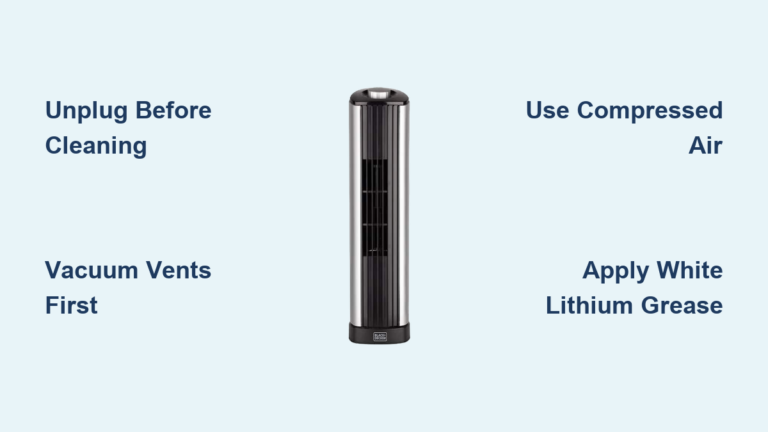
Vacuum Vents and Grills
Attach a soft brush head to your handheld vacuum. Gently run it over both front and back vents in vertical and horizontal strokes. Focus on crevices where lint and pet hair gather. If you do not have a vacuum, use a soft-bristled paintbrush to loosen dust, then wipe with a dry cloth.
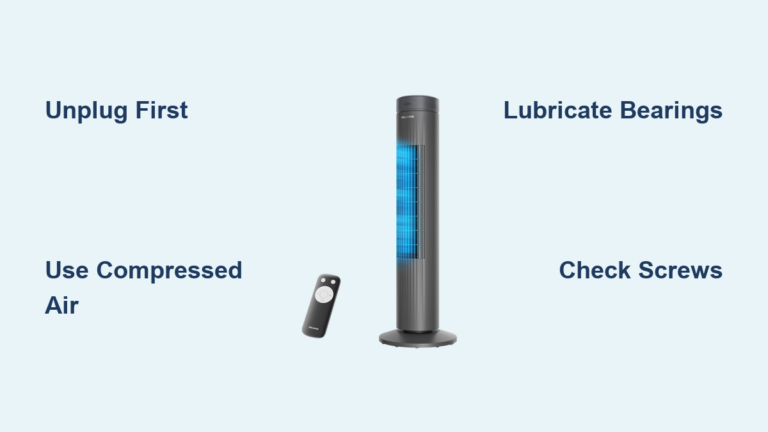
Blast Dust with Compressed Air
Take the fan outside or to a well-ventilated area. Hold a can of compressed air upright and spray short bursts into the front and back vents. Move the nozzle up and down the full height of the fan column to dislodge dust from between blades and deep inside the housing. Keep the can 2 to 3 inches away to avoid forcing debris deeper.
Pro Tip: Wear safety glasses. Dust and small particles can fly back at high speed.
Flush Out Loose Debris
After vacuuming and air-blasting, plug the fan back in and point it toward an open window or doorway. Run it on the highest setting for 2 to 3 minutes. This uses the fan’s own airflow to expel any remaining dust that was not captured earlier.
Final Dry Wipe
Unplug the fan again and give the entire surface a final pass with a dry microfiber cloth. Any dust that settled during operation will now be removed, leaving your fan looking and performing like new.
Invasive Cleaning: Open for Deep Access
Only attempt this if your model allows it or if heavy dust buildup persists after non-invasive cleaning. Warning: Disassembly may void your warranty. Check your user manual first.
When to Disassemble
Consider opening your fan if it has been over 6 months since last cleaning. Also consider it if you hear grinding or increased noise. Airflow feeling significantly weaker is another indicator. You can also open if you own a model like the Turbo Silence Extreme VU 5670, which allows safe grill removal.
Remove Back Panel on Generic Models
Some tower fans have a removable back panel secured by screws and plastic clips.
Locate two screws on the back, often near the handle. Remove them with a flat-tip screwdriver. Grip the top edge and gently insert the screwdriver into the side gap. Slide it down slowly until you hear a pop, which means the clip has released. Repeat on the other side.
Do not pull straight back. Instead, slide the panel upward and outward. Two internal clips must disengage from slots. Forcing it will break the tabs. Alternative: if screws are at the bottom, lift the panel upward after removal.
Front Grill Removal: Rowenta VU 5670
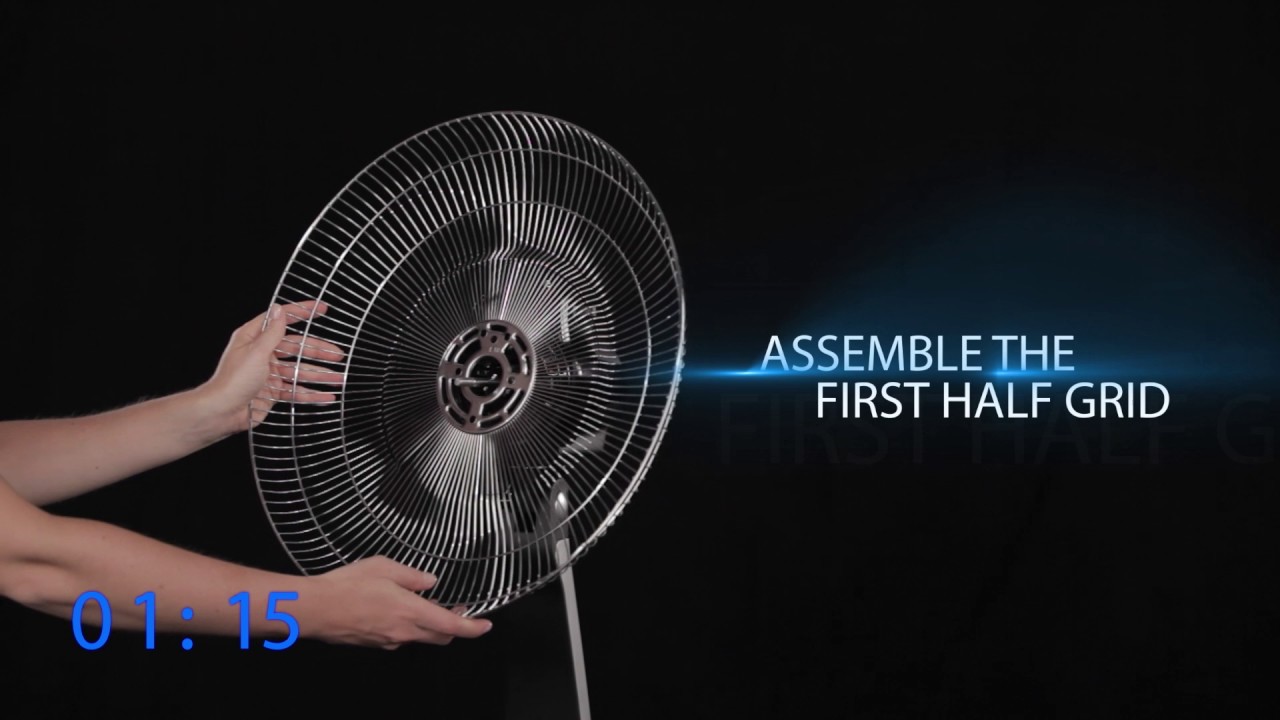
This model has a unique design that is often misunderstood. The grill is a single molded piece, not designed to split into top and bottom halves.
Find the single screw at the base of the front grill ring and unscrew it completely. Swing the plastic security clip outward to release the locking mechanism. Apply steady, even pressure and pull the entire grill unit straight forward. Do not twist, pry, or try to split it into halves.
Visual Cue: If resistance feels uniform, keep pulling. If one side sticks, stop because you are likely twisting.
Align the front edge with the housing when reassembling. Push until it clicks into place. Reinsert the screw and lock the plastic clip.
Clean Internal Components

With access to the blade column and motor housing, remove built-up dust that reduces efficiency and causes overheating.
Clean Between Fan Blades
Use compressed air to spray between blades, moving the nozzle side to side. Rotate the blade column by hand to expose all sides. Alternatively, use the vacuum’s brush attachment to gently sweep dust off each blade.
Pro Tip: Lay the fan on its side on a towel to stabilize it during cleaning.
Wipe Motor Housing
Dust on the motor housing acts as insulation, causing overheating and premature wear. Use a dry microfiber cloth or soft brush to clean all visible surfaces. Avoid touching electrical connections.
Control Dust Spread
Have a second person hold a vacuum hose near the opening while brushing, or clean outdoors. This prevents dust clouds from spreading through your home, which is especially important for allergy sufferers.
Lubricate for Smooth Operation
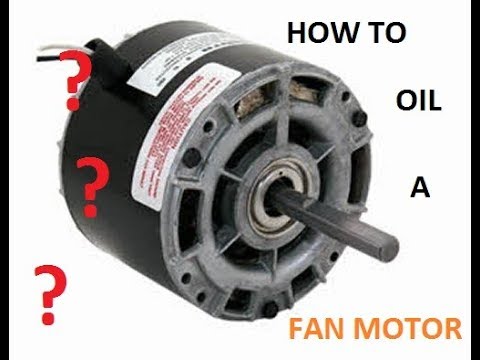
A clean fan runs quieter and lasts longer. But lubrication must be done carefully.
Choose the Right Lubricant
Use light machine oil or silicone spray on motor shafts and moving joints. These will not degrade plastic or attract dust like heavier oils.
WD-40 Warning: While some guides recommend WD-40 on the silver or black bearing rings, Rowenta-specific advice warns against it. WD-40 can strip factory grease from motor bearings or damage certain plastics. If you must use it, apply only to non-electrical metal joints, not the motor core.
Apply Sparingly
Spray or drip a small amount into the motor housing and at the base of the blade shaft. Rotate the blades by hand to distribute the lubricant evenly. Wipe away excess.
Set a Cleaning Schedule
Regular maintenance prevents performance drop and extends lifespan.
Every 2 to 4 Weeks
Perform non-invasive cleaning: wipe, vacuum, and air-blast vents. This is ideal for homes with pets, smokers, or allergy sufferers.
Before Storage and After Retrieval
Clean thoroughly before putting the fan away for winter and again when bringing it out. Dust accumulates during storage.
Annual Deep Clean
Once a year, consider a full disassembly if your model allows to clean internal components and lubricate moving parts.
Troubleshoot Common Issues
Fan Will Not Start After Cleaning
Gently nudge the blades with your finger. Sometimes dust or static prevents startup. If it still will not run, the motor may be burnt out or wiring damaged, likely requiring replacement.
Broken Plastic Clips
This is caused by forcing panels instead of sliding them up or out. Always listen for the pop of clip release. If a clip breaks, use small zip ties or plastic repair glue as a temporary fix.
Grill Will Not Come Off (VU 5670)
You are probably trying to split it. Remember: pull the whole grill straight forward. No twisting. No prying. Steady pressure wins.
Increased Noise After Cleaning
Either the grill is not fully seated or the motor needs lubrication. Recheck assembly and apply a drop of silicone spray to the shaft.
Water Damage
This is caused by spraying wet cloths or using damp tools near the base. Always wring cloths well. Never immerse any part. If water gets inside, leave the fan unplugged in a dry, warm area for 24 to 48 hours before testing.
Maximize Air Quality and Longevity
Rowenta fans circulate air, they do not filter it. Dust on blades gets blown into the room with every use. For cleaner air, pair regular fan cleaning with an air purifier like the Rowenta Pure Air City model.
Prevent Mold and Odors
Always ensure all parts are completely dry before reassembly. Trapped moisture breeds mold, especially in humid climates.
Store Properly
Keep in a cool, dry place. Cover with a cloth or original box to prevent dust buildup during off-seasons.
Know Your Model Limits
Not all Rowenta fans are meant to be opened. If no screws are visible and the grill does not have a release mechanism, stick to non-invasive cleaning.
Frequently Asked Questions About Cleaning Rowenta Tower Fans
How often should I clean my Rowenta tower fan?
Clean your Rowenta tower fan every 2 to 4 weeks for regular use. Increase frequency if you have pets, smokers, or allergy sufferers in your home. Perform a thorough deep clean before storing for the season and again when retrieving it.
Can I use water to clean my Rowenta tower fan?
Never use soaking wet cloths or spray water directly into vents. Use a dry or slightly damp microfiber cloth only. Water intrusion into the base or motor housing can permanently damage internal electronics and motor components.
Does disassembling my Rowenta fan void the warranty?
Disassembly may void your warranty on certain models. Check your user manual before opening your fan. Many Rowenta tower fans like the Fresh 180 are not designed for full user disassembly, so stick to non-invasive cleaning methods to preserve your warranty.
Why is my fan making noise after cleaning?
Increased noise after cleaning usually means the grill is not fully seated or the motor needs lubrication. Recheck that all panels click into place securely. Apply a small amount of silicone spray to the motor shaft and blade bearings.
What is the correct way to remove the VU 5670 grill?
Remove the single screw at the bottom of the grill ring. Swing the plastic security clip outward. Pull the entire grill straight forward in a linear motion. Do not twist or try to split it into halves. The grill is a single molded piece.
Can I use WD-40 to lubricate my Rowenta fan?
Use WD-40 with caution. While some guides recommend it for bearing rings, Rowenta-specific advice warns that WD-40 can strip factory grease from motor bearings or damage certain plastics. Use light machine oil or silicone spray instead for safer lubrication.
Key Takeaways for Cleaning Your Rowenta Tower Fan
/JF_How-to-Clean-a-Tower-Fan-Beauty-1.2_2793-Primary-7b090133d8d043a4a60f5d99ddc51cd1.jpg)
Cleaning your Rowenta tower fan does not require expertise, just the right steps and caution. By following this guide, you will maintain strong airflow, reduce noise, prevent motor strain, and keep your indoor air cleaner. Stick to dry or slightly damp cloths, avoid water exposure, and respect the design of your specific model, especially the VU 5670’s one-piece grill.
The non-invasive cleaning method works for most Rowenta models and preserves your warranty. Only attempt invasive cleaning if your model allows it and heavy dust buildup persists. Always ensure all parts are completely dry before reassembly to prevent mold and electrical damage.
Clean every few weeks, and your fan will deliver quiet, powerful performance for years. For best results, pair regular fan cleaning with an air purifier to maximize indoor air quality.