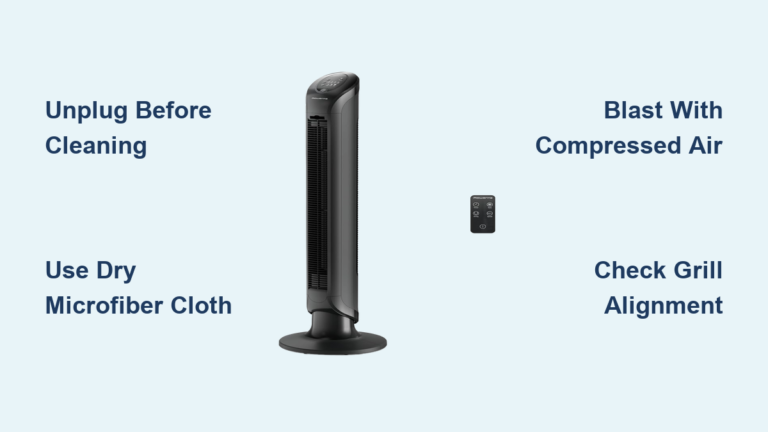
How to Clean Holmes Blizzard Table Fan
If your Holmes Blizzard table fan has lost its cooling power or looks caked in dust, you are not alone. Over time, these fans collect layers of grime that reduce airflow and efficiency, especially in older models like the HAOF-90, which can harbor a decade is worth of dust in hidden gears and motor housings. Knowing how to clean a Holmes Blizzard table fan properly is essential to restore performance and extend its life. This guide covers safe, effective cleaning methods for both vintage serviceable and modern sealed models, based on verified disassembly techniques and manufacturer safety guidelines.
Whether you are dealing with glued blades or fully removable components, we will walk you through step by step procedures, highlight critical safety warnings, and help you avoid common mistakes. By the end, you will know exactly how to deep clean or surface refresh your fan without risking electrical damage or breaking fragile parts.
Identify Your Fan Model First
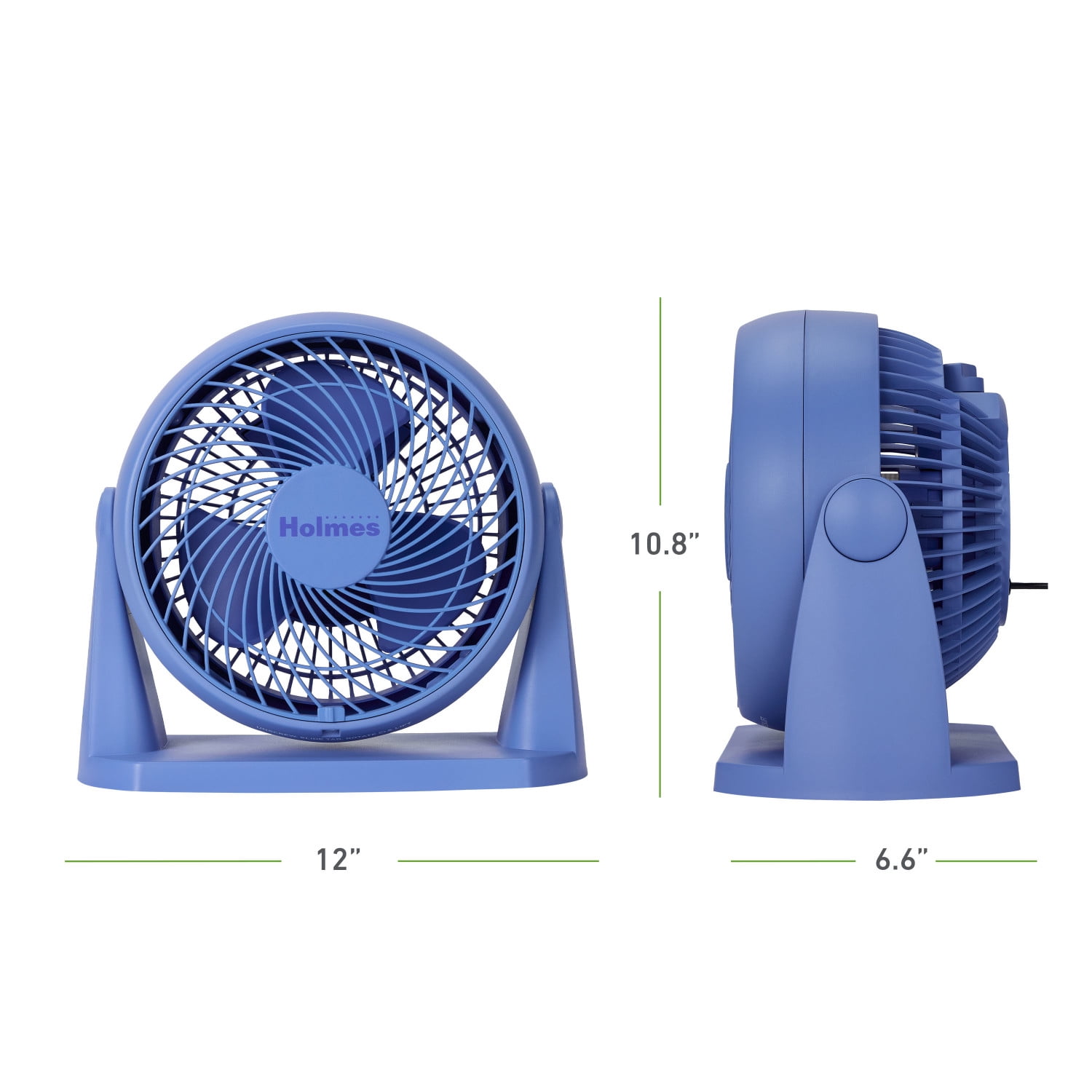
Before cleaning, determine whether your Holmes Blizzard is a serviceable vintage unit or a modern sealed model. This decision dictates your cleaning approach entirely.
Check for Removable Blades
Look closely at the blade assembly to identify what you are working with:
- Vintage Models (e.g., HAOF-90, HAOF-91): Plastic blades can be detached by hand or with light pressure. These units were built for maintenance.
- Modern Units (Post-2010s): Blades are permanently glued with metal adhesive. Attempting removal will likely break them.
Locate the Model Number
Flip the fan over and check the bottom for a label:
- Look for HAOF-90 (black) or HAOF-91 (white), indicating a repairable design.
- Missing sticker? Some late production units omitted it, but they are still likely serviceable if blades feel removable by hand.
Match Design to Cleaning Method
| Feature | Use Deep Cleaning | Use Surface Cleaning Only |
|---|---|---|
| Removable blades | Yes | No |
| Screws on base | Yes | No |
| Oscillates mechanically | Yes | No |
| Blades will not budge | No | Yes |
If you are unsure about your model, start with non invasive cleaning to avoid causing damage.
Follow Critical Safety Rules
Never skip safety steps when cleaning electrical appliances. Even simple fans carry risks that can result in shock or permanent damage to the motor.
Unplug Before Touching Anything
Always disconnect power before disassembling or wiping internal parts. Even low voltage motors can short circuit if moisture reaches terminals during cleaning.
Warning: Never clean while plugged in, except for the specific spinning blade method detailed later in this guide.
Never Submerge Any Part
Holmes explicitly warns against washing the fan with water. The motor, wiring, and housing must stay completely dry to prevent permanent failure.
Avoid Moisture Near Motor Terminals
Even a damp cloth should never touch exposed wires or copper contacts. Water conducts electricity and can cause corrosion or short circuits that will ruin the motor.
Prevent Blade Warping During Drying
When washing removable blades, lay them flat on a towel. Hanging or propping them up may cause warping due to uneven drying stress over time.
Remove Front Grille Safely

Accessing the blades starts with removing the front protective grill. This step is necessary for both deep cleaning and surface cleaning methods.
Unscrew Recessed Back Panel Screws
On most models, follow these steps:
- Turn fan around to access rear of front grille.
- Find four recessed Phillips screws on the back panel.
- Use a long Phillips head screwdriver to remove them, applying slight downward pressure to keep the bit engaged.
- Gently pull the front panel away from the housing.
Pull Off Grill (HAOF-90 Specific)
On vintage HAOF-90 units, no tools are needed for grille removal. Simply grip the grill firmly and pull straight off. Expect significant resistance if dust has bonded the grill to the housing over years of use.
Pro Tip: Tap the edge lightly with your palm to loosen a stuck grill. Avoid prying with metal tools, which can crack the plastic.
Clean Without Disassembly (Safe for All Models)
For modern fans or users who want to avoid tools entirely, this method safely removes dust from spinning blades without taking anything apart.
Use Fan Motion to Capture Dust
This clever technique uses rotation to clean blades through the grill. It works well for quarterly maintenance on sealed modern units.
Spray While Spinning on Low
- Plug in the fan and set to low speed.
- Spray Windex or all purpose cleaner lightly onto the blades through the front grill.
- Let the spray hit only the outer edges of the blades, avoiding the motor area entirely.
Wipe with Long Q-Tip
- Take a 6 inch Q-tip (standard cotton swabs are too short).
- Gently press the tip against a spinning blade edge.
- Move slowly across the blade surface as it rotates past.
- Replace the Q-tip as it collects grime.
Why it works: Rotation pulls the cotton across the blade, lifting dust like a mini squeegee. The motion does the work for you.
Finish With Damp Cloth
After unplugging the fan completely:
- Wipe down the grill and housing with a damp microfiber cloth.
- Dry immediately with a second towel to prevent moisture from seeping inside.
This method is best for quick monthly maintenance or for owners of glued blade models that cannot be disassembled.
Deep Clean Vintage Models (HAOF-90)
For old but functional units like the HAOF-90, full disassembly restores near new performance. This method is worth the effort if your fan is running weak or making unusual noise.
Extract Motor Assembly
On the HAOF-90, follow these steps to access internal components:
- Flip fan over and locate two screws under the base.
- Remove both screws with a Phillips head driver.
- Lift the entire motor housing unit straight up out of the base.
What you will see: Oscillator gears, base cavity, and motor shaft now fully exposed. This is where years of dust accumulate.
Vacuum All Internal Areas
Use a narrow vacuum nozzle to remove thick dust buildup before introducing any moisture.
Target Key Zones
- Motor housing interior
- Oscillation gears
- Base compartment
- Ventilation slots
Sign of neglect: Fluffy dust clumps suggest 10 or more years without cleaning. This is the primary cause of reduced airflow and noisy operation.
Wash Removable Parts Properly
Only clean the grill and blades with water. Never submerge the motor or housing, and never use soap, which can leave residue that attracts more dust.
Use Water Only
- Fill a sink with room temperature water.
- Submerge front grill and plastic blades only.
- Gently wipe both sides with a soft cloth.
- Rinse thoroughly and drain.
Why no soap? Residue can attract more dust and degrade plastic over time. Plain water is all you need.
Dry Components Fully
- Lay blades flat on a dry towel in a horizontal position.
- Place grill upright to allow drainage.
- Air dry for 6 to 12 hours minimum before reassembly.
Critical: Reassembly with damp parts risks motor failure from short circuits.
Wipe Motor Housing Carefully

Even sealed motors need surface cleaning, but moisture is enemy number one. Exercise extreme caution.
Use Slightly Damp Cloth
- Dampen the corner of a microfiber cloth with water.
- Wring until almost dry.
- Wipe exterior and accessible interior surfaces gently.
Avoid These Zones
- Copper terminals
- Wiring connections
- Motor core opening
Visual cue: If you see metal or wire, stop wiping immediately. Water near these components causes irreversible damage.
Let Housing Sit Overnight
After cleaning, leave the motor assembly disassembled in a warm, dry place for several hours before reassembly. Better safe than sorry.
Reassemble in Correct Order

Putting the fan back together wrong can cause wobbling, noise, or electrical issues. Follow this sequence carefully.
Insert Motor First
- Align motor housing into base.
- Ensure oscillator gear engages properly with the linkage.
- Press down until seated firmly.
Secure Base Screws
Reinstall the two bottom screws firmly, but do not overtighten, which can crack the plastic base.
Reattach Front Grill
For HAOF-90 models, slide the grill back into place and push evenly around the rim until it clicks. For screw based models, align the panel and reinsert the four rear screws.
Restore Performance With Maintenance
Cleaning is just the first step. For long dormant vintage fans, additional maintenance helps restore full function.
Lubricate Oscillator Gears (Optional)
After deep cleaning, apply light machine oil (such as 3 in 1 oil) to metal gears. Turn the oscillation knob back and forth several times to distribute the oil evenly.
Result: Smoother side to side motion and noticeably quieter operation.
Inspect Motor for Wear
Check for these warning signs:
- Frayed wires
- Burnt smell
- Excessive blade wobble
If any of these are present, consider replacing the unit. Motor repairs are not user serviceable and can be dangerous.
Prevent Future Buildup
Keep your fan clean longer with simple habits that take just minutes per month.
Dust Monthly
Use a dry microfiber cloth on grill and blades every 30 days to prevent accumulation.
Cover When Not in Use
Drape with a breathable cloth during off seasons to block dust from settling on surfaces.
Store Indoors
Avoid garages or damp basements where moisture and dirt accelerate degradation of plastic and metal components.
Know the Limits of Modern Fans
Newer Holmes Blizzard models are not designed for deep cleaning. Understanding these limitations prevents damage.
Cleaning Restrictions
- Blades cannot be removed without breaking them
- Motor housing is completely sealed
- Internal gears are inaccessible to users
Acceptable Maintenance
- Wipe exterior with damp cloth monthly
- Use the spinning blade method quarterly
- Vacuum front grill openings carefully
Reality check: When performance drops significantly on modern sealed units, replacement is often cheaper than repair.
Final Checklist Before Use

Before plugging in after cleaning, verify each of these items:
- All parts are completely dry
- Blades spin freely by hand when turned
- No tools or screws left inside the base
- Grill is securely reattached
- Oscillation moves smoothly without grinding
Once verified, plug in and test on low setting first.
Frequently Asked Questions About Cleaning Holmes Blizzard Table Fans
Can I use soap to clean the blades?
No. Use water only. Soap leaves residue that attracts more dust and can degrade plastic over time. Plain warm water is sufficient for removing grime.
How often should I clean my Holmes Blizzard fan?
For monthly maintenance, wipe the exterior with a dry cloth. For deep cleaning, every 1 to 2 years is sufficient unless the fan is in a particularly dusty environment. Vintage units that have sat unused for years may need immediate deep cleaning to restore function.
What if my fan blades are glued and will not come off?
If blades do not detach with gentle pressure, they are glued with metal adhesive. Do not force them. Use the spinning blade cleaning method instead, or accept surface cleaning only as the safe option.
Is it safe to vacuum inside the motor housing?
Yes, vacuuming dry dust is safe and recommended before any wet cleaning. Use a narrow crevice tool to reach tight spaces. Just ensure the fan is unplugged first and never introduce moisture to the motor area.
Why is my fan still weak after cleaning?
Heavy dust in the oscillator gears or motor bearings may be the culprit. If vacuuming and surface cleaning do not help, the motor itself may be worn. Consider replacement for modern sealed units, or inspect the HAOF-90 for worn motor brushes.
Can I lubricate my fan to make it quieter?
Yes, but only if you have a vintage model like the HAOF-90 with accessible gears. Apply a tiny amount of light machine oil to the oscillator mechanism. Do not oil the motor itself, as this can damage the bearings.
Key Takeaways for Cleaning Your Holmes Blizzard Fan
Proper cleaning of your Holmes Blizzard table fan depends entirely on identifying whether you have a vintage serviceable model like the HAOF-90 or a modern sealed unit. Vintage units reward deep cleaning with removable blades and accessible motor components, while modern fans require gentle surface only methods to avoid damage. Always unplug before any disassembly, never use soap, and ensure every part is completely dry before reassembly. Monthly dust prevention and proper storage will keep your fan running quietly for years to come.