How to Clean Bionaire Tower Fan
Is your Bionaire tower fan blowing dust instead of cool air? A clogged fan loses efficiency, circulates allergens, and may develop strange noises or even fail prematurely. The good news: cleaning your Bionaire tower fan is a simple, DIY task that takes under an hour and can restore it to like-new performance. Whether you own a BTF 4002, ETF 4026, or a similar model, this guide walks you through safe disassembly, deep cleaning, motor maintenance, and reassembly using only basic tools and household supplies.
You’ll learn model-specific latch tricks, how to silence beeping issues, and pro tips for lubricating the motor to ensure quiet, long-lasting operation. By the end, your fan will deliver stronger airflow, reduced allergens, and years more service.
Power Off and Prepare Your Workspace
Before touching any part of your fan, safety comes first. Electricity and moisture do not mix, and rushing into disassembly can damage clips or strip screws.
Unplug the Fan and Clear Your Area
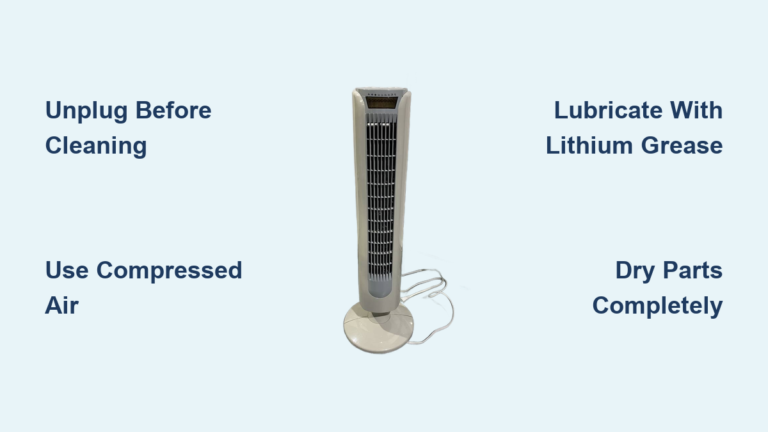
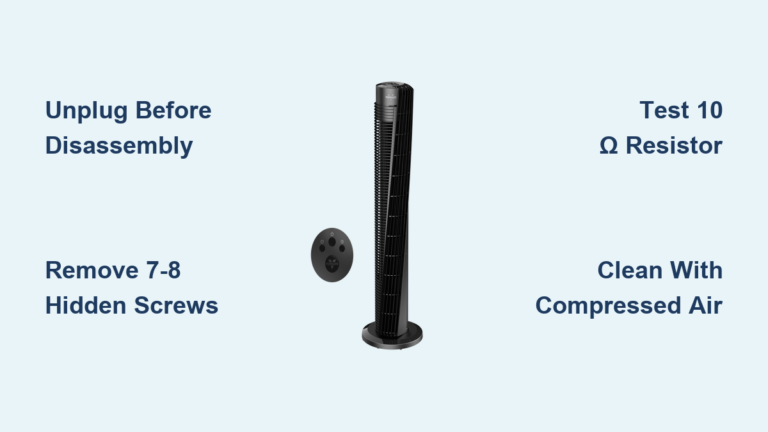
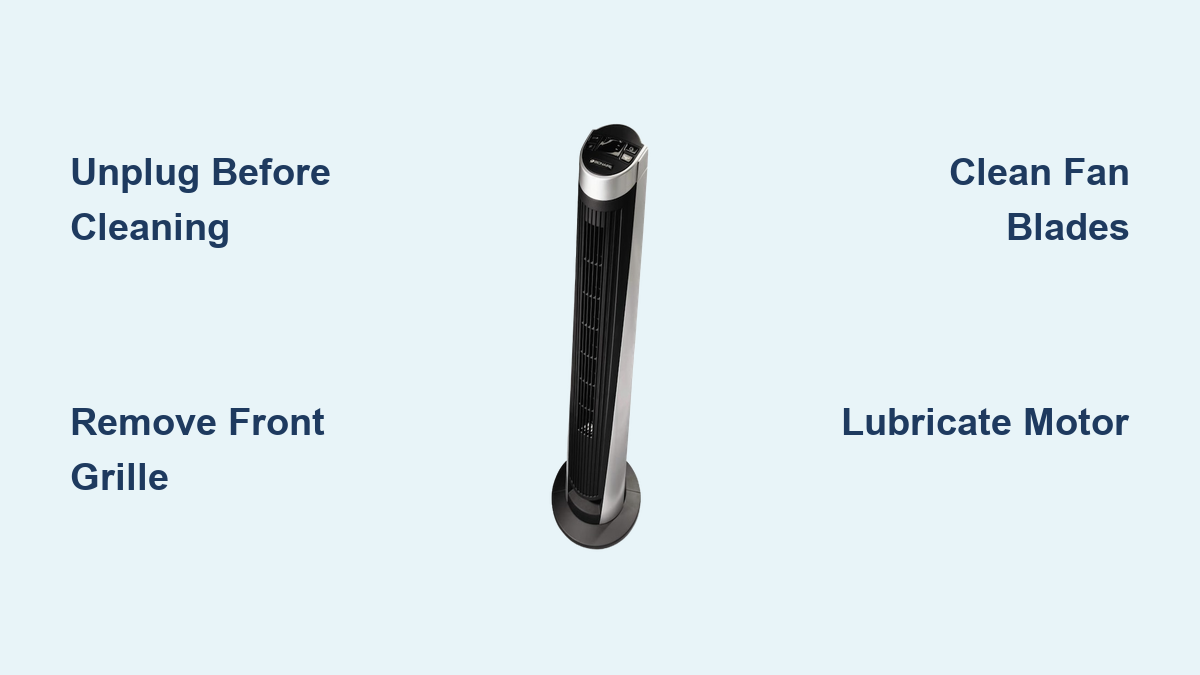
Always unplug the fan from the wall. Never assume turning it off is enough because residual current can still pose risks. Place the fan on a flat, stable surface with ample lighting. A clutter-free workspace prevents lost screws and accidental damage during reassembly.
Gather Essential Cleaning Tools
You will need the following items for this cleaning project:
• Phillips and flathead screwdrivers
• Thin tool such as a dental pick or butter knife
• Microfiber cloths
• Mild dish soap
• Compressed air or vacuum with brush attachment
• 3-in-1 oil or WD-40 for motor lubrication
• Bowl of soapy water
Avoid harsh chemicals or submerging electrical parts. Keep water away from circuit boards and motor internals unless fully disassembled and dried.
Remove Front Grille and Back Panel
Accessing the interior starts with removing the outer covers. Methods vary slightly by model, but all rely on clips and hidden screws.
Pop Off Front Grille by Hand
For most Bionaire models including BT-F4002, the front grille detaches easily. Grip the grille at the top and bottom, then gently pull forward. The plastic tabs will release with a soft pop. If the grille is stuck, slide a flathead screwdriver along the seam to release stubborn clips. Wipe the grille with a soapy cloth, rinse, and air dry completely before reattaching.
Release Back Panel With Hidden Screws
Flip the fan over and locate two screws on the back panel, usually near the handle or base. For general models, remove both screws, then insert a flathead screwdriver into the seam at the top. Slide down gently until you hear a click, which releases internal clips. Lift the panel upward to disengage top locks, then slide it out.
For the BTF 4002 older model, five screws must be removed: two in the handle, one on the lower back, and two on the front compartment. After removal, the cover remains latched by a black-and-silver mechanism that requires specific alignment.
Unlock BTF 4002 Latch Mechanism

This older model uses a unique latch system that confuses many users. Forcing it can break the clips and cause reassembly problems.
Align Black and Silver Latch Pieces Correctly
With all five screws removed, you must align the latch mechanism properly. Push the black piece inward while simultaneously pulling the silver piece outward. Only when the half-inch groove on the black piece aligns with the silver notch will the cover release. Work slowly because bending the latch causes reassembly instability. Once unlocked, the outer shell lifts off smoothly.
Clean Internal Components

Now that the fan is open, target dust buildup on blades, motor housing, and circuitry. This step is crucial for restoring proper airflow and reducing strain on the motor.
Vacuum Dust From Motor and Blades
Use a vacuum with a brush attachment to gently remove dust from around the motor housing. Clean fan blades one by one, being careful not to bend them. Target hidden areas like the base and oscillation gears where dust accumulates most. For stubborn grime such as bathroom humidity residue, compressed air in short bursts blows out deep dust effectively.
Wipe Circuit Board and Speaker Area Carefully
On the BTF 4002, a small speaker sits on the circuit board near the buttons, measuring approximately one-eighth inch tall and half an inch in diameter. Use a dry microfiber cloth to wipe around the board. Avoid spraying any liquids directly. If the speaker is loose, it can be pried off with a thin tool, which also fixes beeping issues.
Deep Clean Fan Blades

Blades stay surprisingly clean, but dust and oil buildup reduce airflow and efficiency over time.
Wipe Each Blade With Damp Cloth
Dip a microfiber cloth in mild soapy water and wipe both sides of each blade gently. Dry immediately with a clean towel to prevent water spots or moisture damage. Do not remove the blade unless necessary, such as when accessing the motor for lubrication. On models like the ETF 4026, the blade screw is often secured with Loctite, making removal difficult without risking damage to the screw head.
Lubricate Motor for Quiet Operation
A noisy or stiff motor benefits greatly from lubrication. This step is both preventive and restorative, extending the life of your fan significantly.
Apply Oil to Key Lubrication Points
Identify these key areas for lubrication: front motor bearing, top bearing where the shaft slides, base shaft connection, and motor housing openings. Use a few drops of 3-in-1 oil or WD-40 per point. Let the oil seep in for one to two minutes, then rotate the blade manually to distribute the lubricant evenly. Avoid over-oiling because excess attracts dust and creates a messy buildup.
Test Motor Before Reassembly
Verify smooth operation before closing up the fan. This prevents the frustration of reassembling only to discover a problem.
Power On Briefly to Check Operation
Plug in the fan and run it for five to ten seconds. If the motor does not start, gently nudge the blade then pull your hand away immediately. Listen for smooth spin-up without grinding or scraping. Verify consistent speed across all settings. If noise persists, recheck lubrication or bearing alignment before proceeding.
Reassemble Fan Securely
Putting the fan back together requires attention to clips and screw placement to ensure proper fit and function.
Align Top Clips First During Reassembly
For most models, position the back panel so top clips slide into slots. Press down until you hear a click or pop confirming engagement. Reinsert screws and tighten gently because over-tightening cracks plastic. If plastic clips break during disassembly, secure the casing using the available screws to ensure a tight fit.
Reattach Front Grille Properly
Align the grille with the frame and press evenly around the edges until all clips snap into place. Check for gaps because uneven seating means a clip is not engaged properly. A properly attached grille should sit flush with no visible gaps or wobbling.
Fix Beeping on BTF 4002 Model
Some users report a persistent beep during operation, which can be annoying but is easily fixed.
Remove Internal Speaker to Silence Beep
The fix is simple on the BTF 4002. Locate the small round speaker on the circuit board, then disconnect the wires or pry the unit off with a dental pick. This silences the beep permanently while settings and performance remain completely unaffected. On newer models, the speaker may be integrated and not removable, but this older model has a discrete component that can be safely removed.
Address Stuck Screws and Loctite
The ETF 4026 and similar heavy-duty models often use thread-locking adhesive on blade and housing screws, making removal challenging.
Use Clamped Pliers for Better Leverage
Standard pliers may slip on tight screws. Try clamping two pliers together for extra grip, then apply steady, firm pressure without jerking. If the screw head strips, replace it with a compatible ceiling fan motor screw. Never force a damaged screw because this risks cracking the motor housing.
Prevent Moisture and Insect Buildup
Fans in humid areas like bathrooms or near patios collect moisture and bugs that can damage internal components.
Inspect for Environmental Damage
Look for signs of moisture damage including water droplets in screw holes, dead insects or cobwebs inside, and heavy grime on internal brackets. If these signs are present, a deeper cleaning is needed to prevent corrosion and electrical issues.
Deep Wash Non-Electrical Parts
If fully disassembled, hose down plastic housings, blades, and brackets. Dry completely for 24 or more hours before reassembly. Inspect wires in the junction box for any damage. This thorough drying prevents short circuits and ensures safe operation.
Maintain Your Bionaire Fan Long-Term
Keep your Bionaire tower fan running smoothly with regular care and attention.
Clean Fan Every One to Two Months
Cleaning frequency depends on your environment. High-dust homes require cleaning every four weeks. Average use calls for cleaning every six to eight weeks. Low-use situations allow cleaning every three months. Setting a calendar reminder ensures consistent maintenance.
Follow Best Practices for Longevity
Wipe the power cord monthly because it collects the most dirt of any part. Avoid using air fresheners near the fan because residue clogs the grilles. Store the fan indoors during off-seasons. Never use abrasive cleaners on plastic surfaces because they cause damage and dulling.
Verify Full Functionality After Cleaning
After cleaning and reassembly, test all features to ensure everything works properly.
Run Through Performance Checklist
Confirm the fan powers on immediately and starts without delay. Test low, medium, and high speed settings to verify all work. Check that oscillation moves smoothly side-to-side without binding. Listen for quiet operation with no beeping or grinding. Verify airflow is strong and consistent. Confirm decent spin-down time when turned off. Ensure the unit sits stable on flat surfaces with no wobbling.
If any function fails, double-check alignment, screw tightness, or electrical connections before seeking professional repair.
Frequently Asked Questions About Cleaning Bionaire Tower Fans
How Often Should I Clean My Bionaire Tower Fan?
Clean your Bionaire tower fan every one to two months depending on your environment. High-dust homes benefit from monthly cleaning, while average households can stick to every six to eight weeks. Low-use fans can go up to three months between cleanings.
Can I Submerge My Tower Fan in Water?
No, never submerge any part of the fan containing electrical components in water. Only the removable plastic grilles and blades can be washed with water. The motor housing, circuit board, and control box must stay dry. Use a damp cloth for these areas instead.
Why Is My Bionaire Fan Beeping After Cleaning?
The beeping comes from the internal speaker on certain models like the BTF 4002. To fix this, remove the speaker from the circuit board using a thin tool. This stops the beep without affecting the fan’s performance or settings.
What Tools Do I Need to Clean a Bionaire Tower Fan?
You need Phillips and flathead screwdrivers, a thin tool like a dental pick, microfiber cloths, mild dish soap, compressed air or a vacuum with brush attachment, and 3-in-1 oil or WD-40 for motor lubrication. These basic tools handle all cleaning and maintenance tasks.
How Do I Lubricate the Motor on My Tower Fan?
Apply three to four drops of 3-in-1 oil or WD-40 to the front motor bearing, top bearing, and base shaft connection. Let the oil seep in for one to two minutes, then manually rotate the blades to distribute the lubricant. This reduces friction and noise significantly.
Why Is My Fan Still Noisy After Cleaning?
If noise persists after cleaning, the motor may need additional lubrication or the bearings could be worn. Recheck lubrication points and apply more oil if needed. Also verify the fan blades are not hitting the housing and that all screws are properly tightened.
Key Takeaways for Cleaning Your Bionaire Tower Fan
Cleaning your Bionaire tower fan is essential maintenance that restores performance and extends the appliance’s lifespan. Dust-choked motors work harder, use more energy, and wear out faster, so regular cleaning directly impacts efficiency and electricity costs.
The most critical steps are unplugging before cleaning, using the correct latch release technique for your specific model, and thoroughly drying all components before reassembly. Pay special attention to the motor lubrication because this single step dramatically reduces noise and prevents premature motor failure.
Set a calendar reminder every two months to clean your fan. This simple habit ensures consistent airflow, reduces allergens in your home, and keeps your Bionaire tower fan running quietly for years to come. Your comfort and indoor air quality depend on this straightforward maintenance routine.