Fix Table Fan Humming But Not Spinning
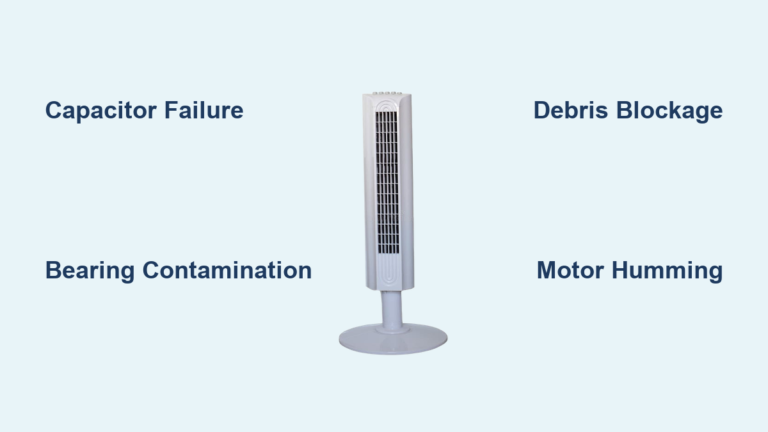
You flip the switch, hear a loud hum, but the blades will not budge. A table fan humming but not spinning is a common frustration, especially during summer heat. The good news is that power is reaching the motor, which means the problem is usually fixable. Whether it is a failed capacitor or seized bearings, most issues can be diagnosed and repaired in under an hour.
This guide walks you through step-by-step troubleshooting to identify whether the issue is electrical or mechanical. You will learn how to perform simple tests with basic tools, replace a bad capacitor, clean and lubricate bearings, and know when it makes more sense to replace the fan entirely.
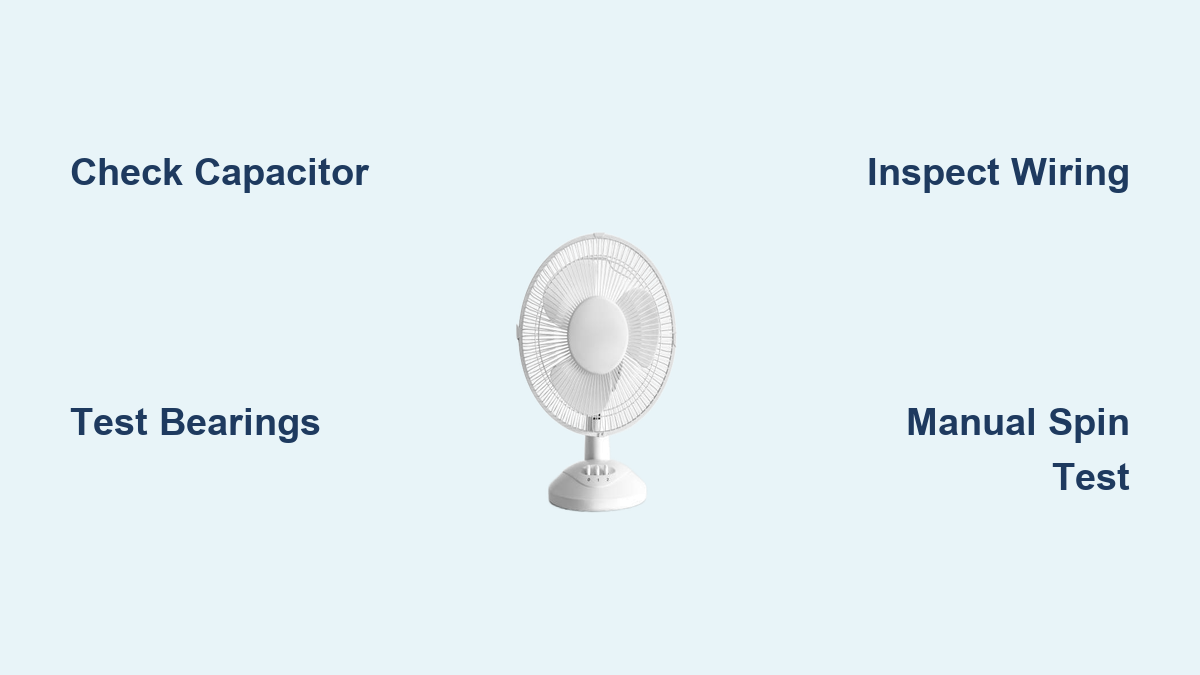
Manual Spin Test: Mechanical or Electrical Problem

This 10-second test tells you everything you need to know about your table fan humming but not spinning.
With the fan unplugged, gently spin the blades by hand. Your result determines the next steps.
Blades Will Not Turn by Hand
If the blades feel stiff, gritty, or completely locked, the problem is mechanical. The motor shaft is not spinning freely due to internal resistance. Common causes include seized or dry bearings, dust and hair buildup in the motor, a bent shaft, or a physical obstruction.
Do not power on the fan repeatedly in this condition. This overheats the motor and risks permanent damage. Focus on cleaning, lubrication, or bearing replacement instead.
Blades Spin Freely by Hand
If the blades rotate smoothly by hand but only hum when powered, the issue is electrical. The motor has power but lacks starting torque. The most likely cause is a failed start capacitor, followed by burnt motor windings or loose wiring.
Proceed to the hand-start test to confirm whether the capacitor is the culprit.
Hand-Start Test: Confirm a Bad Capacitor
This test isolates a failing start capacitor, which is the number one cause of a table fan humming but not spinning.
Perform the Test
Plug in the fan and turn it on. Let it hum for two to three seconds. Use a wooden stick or plastic tool, never your fingers, to give the blades a firm push in the correct direction.
Fan Starts and Runs After the Push
The capacitor is faulty. The motor can sustain rotation once moving, but it lacks the initial phase shift to start on its own. Replace the capacitor. It costs five to fifteen dollars and takes about ten minutes to swap.
Fan Still Will Not Run
The issue is more serious. You may have a dead capacitor, burnt windings, a severe internal short, or mechanical binding that was not detected by hand. Move to multimeter testing to diagnose further.
Check the Start Capacitor

The start capacitor gives the motor the electrical jolt it needs to begin spinning. This is the first component to check when your table fan is humming but not spinning.
Locate the Capacitor
Unplug the fan and open the housing. The capacitor is a small black cylinder or rectangular block near the motor with two to four wires connected to it.
Visual Inspection
Look for these warning signs. A bulging or swollen top indicates failure. Leaking fluid, which looks like oily residue, is a clear problem. Burn marks or discoloration mean the capacitor overheated. Rust or corrosion on the terminals also signals trouble.
Replace immediately if you see any of these.
Multimeter Test for Capacitance
Set your multimeter to microfarads mode. Discharge the capacitor first by touching a resistor across the terminals. Touch the multimeter probes to the capacitor terminals and compare the reading to the label value, such as four microfarads.
Replace the capacitor if the reading is below eighty percent of the rated value, shows “OL” or overload, or shows infinite resistance.
Replacement Tips
Match the capacitance value exactly. The voltage rating can be equal or higher, so a two hundred fifty volt capacitor can be replaced with a three hundred fifty volt unit. Common values for table fans are four, five, or six microfarads.
Diagnose Motor Winding Failure

If the capacitor checks out but your table fan is still humming but not spinning, test the motor windings.
Multimeter Test for Windings
Unplug the fan and disconnect the wires from the capacitor and switch. Set your multimeter to ohms mode and test between the winding leads.
Expected results are one hundred to three hundred ohms for the start winding and fifty to one hundred fifty ohms for the run winding. A slight difference between the two is normal.
Failure Signs
Infinite resistance, showing “OL,” means an open circuit and broken wire. Zero ohms means a short circuit and burnt windings. A burnt smell or visible scorch marks confirm the damage.
There is no fix for burnt windings. Rewinding is costly. Replace the motor or the entire fan.
Inspect Wiring and Switches
Loose connections can mimic capacitor failure and cause your table fan to hum without spinning.
Check Key Connection Points
Inspect the speed control switch for continuity at each setting. Test the direction switch by moving it back and forth. Clean it with contact cleaner if it feels sticky. Check all wire connectors by reseating the white plastic plugs. Inspect the power cord for fraying or internal breaks.
Test Switches with Multimeter
Set your multimeter to continuity mode. Probe the switch terminals in the on position. No beep means the switch is faulty and needs replacement.
Rule Out Power and Dimmer Issues
Sometimes the problem is not the fan itself.
Never Use a Dimmer Switch
Dimmers chop the AC power waveform, which causes motors to hum, overheat, and eventually fail. Always plug fans into full-power outlets.
Test the Outlet
Plug in another device to confirm the outlet has power. If the outlet is dead, the fan is not the issue.
Check for Low Voltage
A voltage drop can prevent motor startup. Use a multimeter to check that the outlet reads one hundred ten to one hundred twenty volts or two hundred twenty to two hundred forty volts, depending on your region.
Fix Seized Bearings and Mechanical Binding
If the motor feels stiff when spun by hand, the bearings are likely seized, and this explains why your table fan is humming but not spinning.
Lubricate the Bearings
Apply two to three drops of light machine oil to each bearing. Sewing machine oil, three-in-one oil, or electric motor oil work well. Avoid using WD-40 as a long-term lubricant. It is a cleaner, not a lasting oil.
Work the Oil In
Manually spin the shaft back and forth twenty to thirty times to distribute the oil through the bearing.
Still Stiff After Lubrication
Disassemble further. Remove the motor housing and clean the bearing with isopropyl alcohol. Reapply oil or replace the bearing entirely if it is pitted or damaged.
Clear Physical Obstructions
Debris can stop rotation even when the motor seems otherwise free.
Check These Areas
Inspect the blade cage for bent bars that may be hitting the blades. Look at the blade tips to see if they rub against the grill. Use a flashlight to examine the gap between the rotor and stator. Clean out the housing vents to remove dust bunnies and pet hair.
Clean Thoroughly
Use compressed air or a vacuum nozzle to clear debris. Brush away caked-on grime. Remove the blades and wash them if they are dirty.
Even a single hair wrapped around the shaft can prevent startup.
Repair vs. Replace: Make the Call
Not every fan is worth fixing. Use this guide to decide.
Repair If
Replace the capacitor if it is bad. This is a low cost, easy fix. Clean and oil seized bearings if the shaft is undamaged. Replace loose wiring or a faulty switch. Repair a fan that is less than five years old.
Replace If
Replace if the windings are burnt. Replace if the shaft is bent and cannot be straightened. Replace a fan that is over ten years old with major issues. Replace if the housing or cage is damaged. Replace if the repair cost exceeds fifty percent of a new fan price.
A new energy-efficient fan may actually save money on electricity over time.
Prevent Future Humming Issues
Keep your fan running smoothly with these maintenance habits.
Clean Annually
Dust buildup kills fans. Disassemble and vacuum the internals once a year, especially if the fan is used in a dusty room.
Lubricate Bearings Annually
Apply one drop of oil per bearing every twelve months to prevent seizing. This takes seconds and extends the motor life significantly.
Avoid Humid or Dusty Areas
Moisture and dust accelerate wear on motor components. Place your fan in clean, dry locations when possible.
Never Leave a Humming Fan On
A non-spinning fan draws locked rotor current, which overheats the motor within seconds. This creates a fire risk. Turn off the fan immediately if it hums but does not spin.
Final Safety Warnings
Always unplug the fan before inspection or repair. Discharge capacitors before testing them, as they can shock even when unplugged. Never run a humming fan unattended, as it can overheat and ignite. Use non-conductive tools when testing live circuits. If you are unsure about any step, replace the fan rather than risk injury.
Frequently Asked Questions About Table Fan Humming But Not Spinning
Why does my fan hum but not spin when I turn it on
The hum means power is reaching the motor, but the motor cannot start. This is usually caused by a failed start capacitor or seized bearings. The capacitor provides the initial torque needed to overcome inertia.
Can I fix a table fan that hums but does not spin myself
Yes. Most cases are caused by a bad capacitor or dry bearings, both of which are simple DIY fixes. You need a multimeter, basic tools, and about thirty minutes. Always unplug the fan before working on it.
How much does it cost to repair a humming table fan
A replacement capacitor costs five to fifteen dollars. Bearings and oil cost very little. Wiring repairs are also inexpensive. You should not spend more than twenty to thirty dollars on parts for most table fan repairs.
Is it dangerous to run a fan that is humming but not spinning
Yes. A humming fan draws locked rotor current, which generates excessive heat quickly. This can damage the motor windings permanently or even start a fire. Turn it off immediately and troubleshoot the issue.
How do I know if the motor windings are burnt
You will smell a distinct burning odor, like burnt plastic or ozone. The multimeter will show either infinite resistance or near zero resistance between the winding terminals. Visually, you may see scorch marks on the motor housing.
Should I use WD-40 to fix a stuck fan
WD-40 can free a seized shaft temporarily, but it is not a lubricant. It evaporates quickly and can strip existing lubrication. Apply proper machine oil after using WD-40 to clean the area.
Key Takeaways for Fixing a Table Fan Humming But Not Spinning
A table fan humming but not spinning is almost always fixable. The manual spin test is your starting point. If the blades spin freely by hand, the problem is electrical, and a bad capacitor is the prime suspect. If the blades are stiff, the problem is mechanical, and you need to clean and lubricate the bearings.
Use the hand-start test to confirm a capacitor issue. If the fan starts after a manual push, replace the capacitor. It is a five to fifteen dollar part that takes minutes to install. Clean and oil the bearings if the motor feels stiff. Remove any debris from the motor housing.
Remember the safety rules. Unplug before working, discharge capacitors, and never leave a humming fan running. With basic tools and thirty minutes, you can restore airflow without buying a new fan.