How to Clean a Sierra Tower Fan
If your Sierra tower fan isn’t blowing as hard as it used to or has started making squeaking noises, the culprit is likely dust buildup. Over time, dust clogs vents, coats internal blades, and gums up motor bearings, reducing airflow, increasing noise, and shortening the fan’s lifespan. The good news? Cleaning your Sierra tower fan is a straightforward DIY task that takes just 15 to 30 minutes and can restore peak performance. Whether you’re doing a quick surface clean or a deep internal refresh, this guide walks you through every step safely and effectively.
You’ll learn how to clean without damaging components, when to open the housing, what tools to use, and why white lithium grease is essential for quiet operation. We’ll also cover model-specific tips for smart fans like the Sierra TF-01, troubleshoot common issues, and help you avoid costly mistakes. Let’s get your fan running like new.
Quick Clean: Surface Dust Removal
For routine maintenance every one to two months, a non-invasive quick clean keeps your Sierra tower fan running smoothly without disassembly required.
Unplug and Prepare the Fan
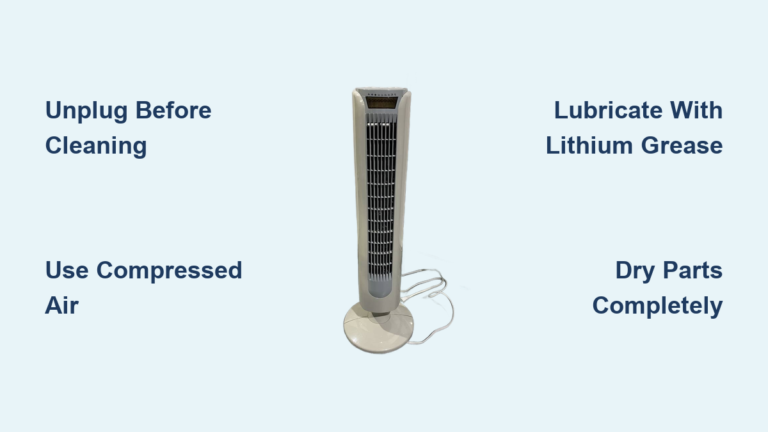
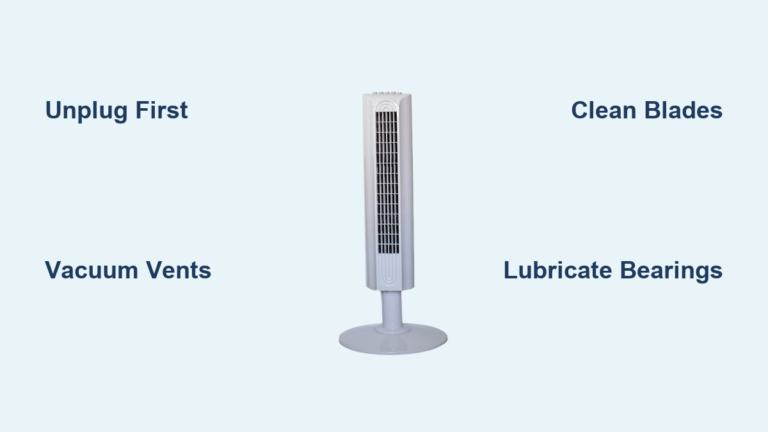
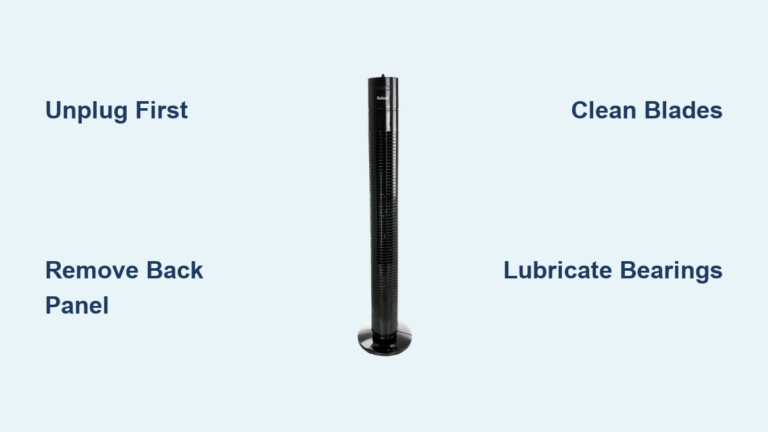
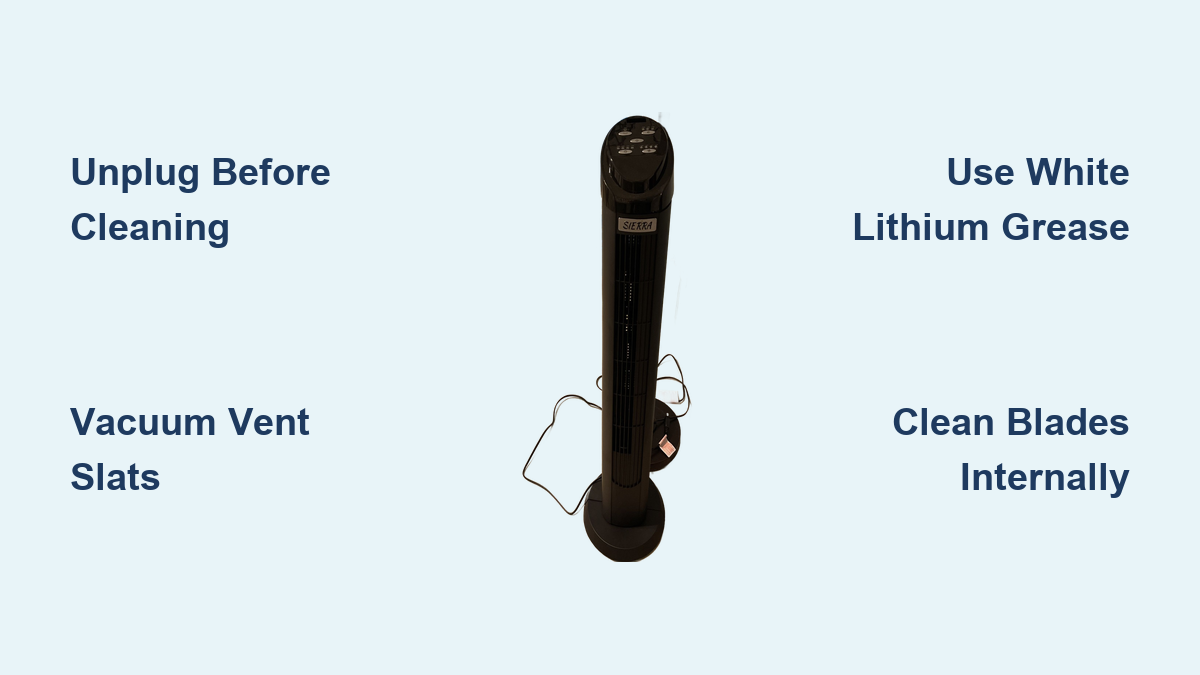
Always start by unplugging the fan. This prevents electrical shock and accidental startup during cleaning. Move it to a flat, well-lit surface. If using compressed air, take it outside or near an open window to avoid blowing dust into your living space.
Vacuum Front and Back Vents
Dust accumulates heavily in the vertical vent slats. Use a vacuum cleaner with a brush attachment to gently go up and down both the front and back grilles. Focus on visible dust and lint. If you do not have a vacuum, use a soft-bristled paintbrush or makeup brush to loosen debris, then vacuum it up.
Blow Out Hidden Dust With Compressed Air
Compressed air reaches where brushes and vacuums cannot. Insert the nozzle into the vent openings and spray in short bursts, moving vertically. Never tilt or shake the can, as this can release liquid propellant that damages internal parts. Let the dust settle, then vacuum the area to capture it.
Wipe Down Exterior Surfaces
Dampen a microfiber cloth with water and wring it out completely. Wipe the entire casing, including the base, control panel, and remote sensor area. For stubborn grime on vent slats, carefully slide the cloth between the slats. Avoid harsh cleaners or excess moisture that could seep into electronics.
Run Fan to Expel Loose Dust
Plug the fan back in and set it to the highest speed. Point it toward an open window or outdoors and run for two to three minutes. This clears any remaining loose particles from the internal airflow path.
Deep Clean: Internal Access and Blade Cleaning

When airflow is weak, odors persist, or squeaking occurs, a deep clean is necessary. This involves opening the housing to clean blades and motor areas.
Remove the Base to Access Housing
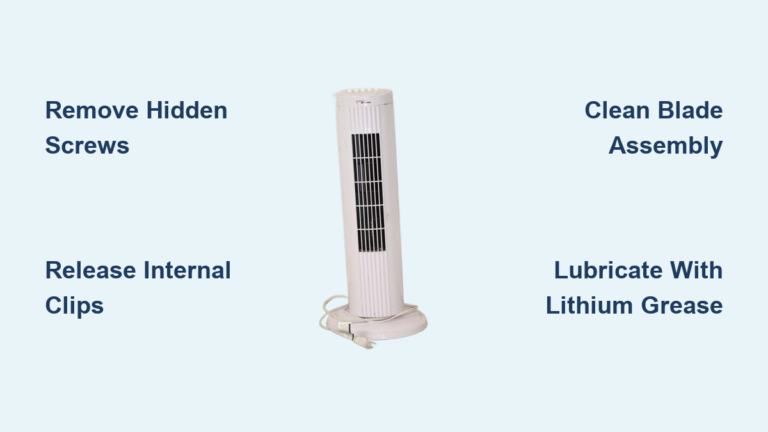
Flip the fan upside down. Look for screws on the bottom, as some are hidden under plastic caps. Gently tap a cap out with a small flathead screwdriver or hammer to reveal the screw. Remove all screws, then detach the base to expose the lower housing.
Open the Front and Back Panels
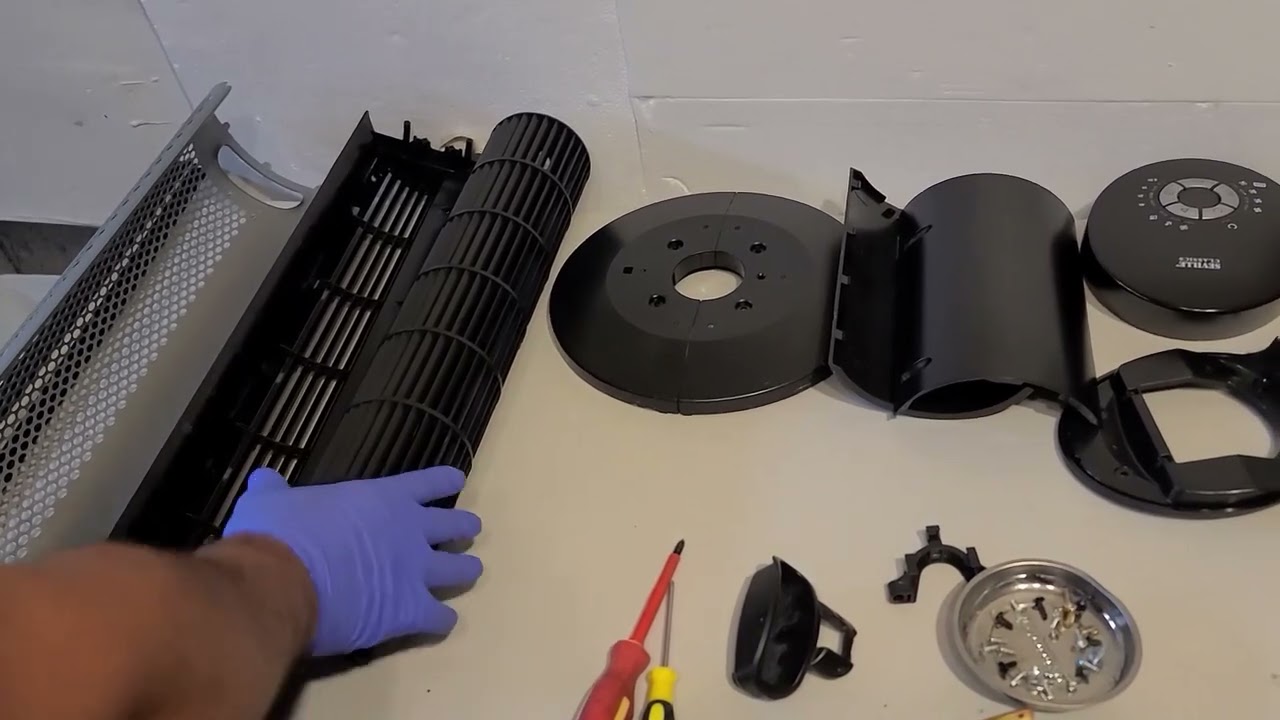
Inspect the main body for screws along the top or bottom edges, usually two to four screws. Remove them with a Phillips or Torx screwdriver. Then, use a small flathead tool to gently pry the front panel from the back. Listen for plastic tabs releasing. Do not force it. If your model has a top metal cage, lift it off. You may need to cut a cable tie securing the power cord, so replace it during reassembly.
Clean Internal Blades and Housing
With the housing open, you will see the blade column, also called the impeller. Use a vacuum brush or compressed air to clean dust from the blades. Rotate the column by hand to access all sides. Avoid removing blades unless absolutely necessary.
Use cotton swabs to clean tight spots around the motor shaft, bearing areas, and oscillation groove if applicable. Never wash the motor or get it wet.
Lubricate Bearings to Stop Squeaking
If the fan squeaks, dry bearings are likely the cause. Apply white lithium grease, not WD-40, to the metal shaft and bearing points at the top and bottom of the blade column.
• Dab a small amount on a rag and wipe it onto the shaft.
• Rotate the shaft by hand to work the grease in.
• Apply a thin layer to the oscillation groove and top contact point if your fan moves up and down.
Do not over-lubricate, as excess grease attracts dust.
Reassemble and Test the Fan
Reattach the front and back panels, snapping them into place. Reinstall all screws and washers in their original positions. Reconnect the power cord through the cable guard and secure it. Flip the fan upright.
Wait a few minutes to ensure all parts are dry. Plug it in and test all speed settings and oscillation. Listen for smooth operation. If airflow is strong and noise-free, the deep clean was a success.
Model-Specific Cleaning Tips

Sierra offers various tower fan types, each with unique cleaning needs.
Oscillating Tower Fans
These fans collect dust in moving parts. Focus on the oscillation groove and side gears. After vacuuming, apply a light coat of white lithium grease to the sliding track and joints if noise persists. Remove front and back panels if needed to access internal gears.
Air Purifier Tower Fans
These models have built-in filters. Check the manual, as most HEPA and carbon filters are not washable and should be replaced every three to six months. Some have washable pre-filters. Rinse with water, let dry completely, then reinsert. Never spray water near the filter housing. Vacuum intake and exhaust grilles gently to avoid damaging filter media.
Bladeless Tower Fans
Despite having no visible blades, dust builds up in the air intake ring, usually at the base. Use a vacuum with a narrow nozzle to clean the intake slots. If your model allows, remove the outer loop cover and clean the internal airflow channel with cotton swabs and a dry microfiber cloth. Wipe the exterior with a damp cloth, but avoid getting moisture inside.
Sierra Smart Fans Like the TF-01
Smart models like the TF-01 have remote sensors and removable grilles. Pull out the front air inlet grille, located at the bottom or middle, and clean both sides with a soft brush. If blades are accessible, remove them per the manual, wash with mild soapy water, dry thoroughly, and reattach. Vacuum the internal cavity around the motor. Wipe the remote sensor area with a dry cloth to maintain signal responsiveness.
Troubleshoot Common Fan Problems

Cleaning often fixes performance issues. Use this guide to diagnose and resolve them.
Why Is My Fan Squeaking?
Squeaking is usually caused by dry motor bearings or dust in the shaft. After cleaning, apply white lithium grease to the top and bottom bearing points. If the noise returns within months, the bearings may be worn, so consider replacement.
Why Is Airflow Weak?
Clogged vents or dusty blades restrict airflow. Perform a deep clean. Vacuum internal blades and blow out vents with compressed air. If airflow does not improve, the motor may be failing.
Why Does My Fan Smell Musty?
A musty odor indicates mold or organic buildup inside the housing. Wipe internal surfaces with a mild soap-and-water solution, then let the fan dry completely before use. Run it outdoors for five minutes to air out any lingering smells.
Why Will Not My Fan Turn On?
If cleaning does not fix this, the motor may be burnt out. Check that the outlet works and the power cord is intact. If the fan still will not start, professional repair or replacement is likely needed.
Why Does the Squeak Come Back?
If you are lubricating more than once a year and the squeak returns, the bearings are worn out. No amount of grease will fix this. At that point, the fan is nearing end of life.
Maintenance Schedule and Best Practices
Regular care prevents problems and extends your fan’s life by over a year.
When to Clean Your Fan
• Every two to four weeks: vacuum vents and wipe the exterior.
• Every one to two months: perform a quick clean during heavy use.
• Start and end of summer: do a deep clean and inspect for loose parts.
• Before storage: clean thoroughly and store in a dry, dust-free place. Cover it to prevent dust buildup.
Ideal Placement Tips
Avoid placing your Sierra fan in dusty areas like garages or workshops. Keep it away from kitchens, where grease accumulates, and smoking areas, where residue builds up. These environments accelerate grime buildup and make cleaning harder.
What NOT to Do When Cleaning

Avoid these common mistakes to prevent damage.
Never Use WD-40 on Bearings
WD-40 is not a lubricant. It evaporates quickly and leaves a sticky residue that attracts dust. Use white lithium grease instead. It is heat-resistant, long-lasting, and keeps bearings quiet for months.
Never Submerge the Motor
Water and electricity do not mix. Never soak the motor shaft or internal electronics. If you wash removable parts, dry them completely before reassembly.
Never Tilt Compressed Air Cans
Tilting or shaking the can releases liquid propellant, which can damage plastic, corrode metal, or harm your skin. Always hold the can upright and spray in short bursts.
Never Reassemble a Wet Fan
Moisture inside the housing can cause short circuits or rust. If you use water, let all parts dry overnight before reassembly.
Never Force Plastic Tabs
During disassembly, apply gentle, even pressure when prying. Forcing tabs can crack the housing and make reassembly impossible.
Final Verification Checklist
Before declaring your cleaning job complete, run through this list.
• Fan was unplugged during the entire process
• All screws and washers are back in place
• Front and back panels are fully snapped together
• No tools or cloths are left inside
• All parts are completely dry
• Fan runs smoothly on all speed settings
• Oscillation, if present, works quietly
• No odd smells or sounds during operation
Frequently Asked Questions About Cleaning Your Sierra Tower Fan
How Often Should I Clean My Sierra Tower Fan?
Clean the exterior and vents every two to four weeks during heavy use. Perform a deep clean involving disassembly once or twice a year, or whenever you notice weak airflow, strange noises, or musty odors.
Can I Use WD-40 to Lubricate My Fan?
No. WD-40 evaporates quickly and leaves a sticky residue that attracts more dust. Use white lithium grease instead. It is heat-resistant, water-resistant, and provides long-lasting lubrication for motor bearings and oscillation joints.
Do I Need to Unplug the Fan Before Cleaning?
Yes. Always unplug the fan before any cleaning, whether surface cleaning or deep cleaning. This prevents electrical shock and accidental startup that could injure you or damage the fan.
Can I Wash the Fan Blades With Water?
Only if the blades are removable and explicitly stated as washable in your model manual. For most Sierra tower fans, use a dry brush, vacuum, or compressed air. If you must use water, ensure all parts are completely dry before reassembling the fan.
Why Is My Fan Still Squeaking After Cleaning and Lubrication?
If squeaking returns despite thorough cleaning and proper lubrication, the bearings are likely worn out. This is common in older fans. At that point, the motor may be nearing the end of its lifespan, and replacement may be more cost-effective than continued repairs.
Will Disassembling My Fan Void the Warranty?
Possibly. Opening the housing on some models may void the warranty. Check your user manual before proceeding with deep cleaning. If your fan is still under warranty, stick to the quick clean method or contact the manufacturer for service.
Key Takeaways for Maintaining Your Sierra Tower Fan
Regular cleaning keeps your Sierra tower fan efficient, quiet, and long-lasting. A quick monthly vacuum prevents the need for frequent deep cleans. When disassembling, go slow. Patience prevents broken tabs and voided warranties.
The two most important maintenance tasks are vacuuming vents regularly and using white lithium grease, not WD-40, when lubricating bearings. These simple steps dramatically reduce squeaking and restore airflow.
With the right tools and techniques, you can restore full airflow and silence squeaks in under 30 minutes. Now that your fan is clean, enjoy the cool, dust-free breeze.