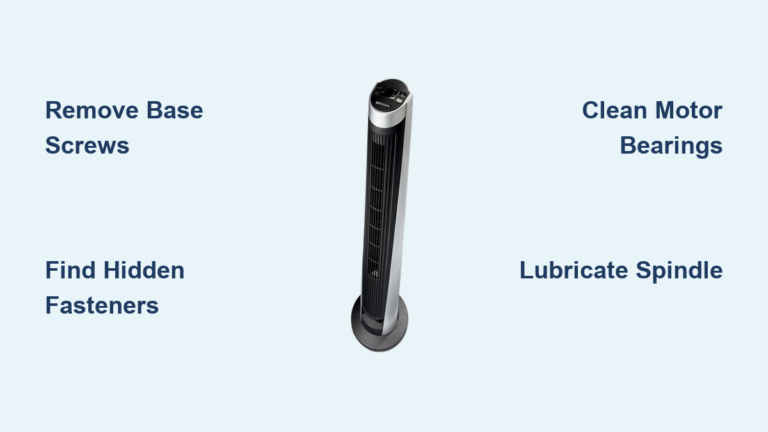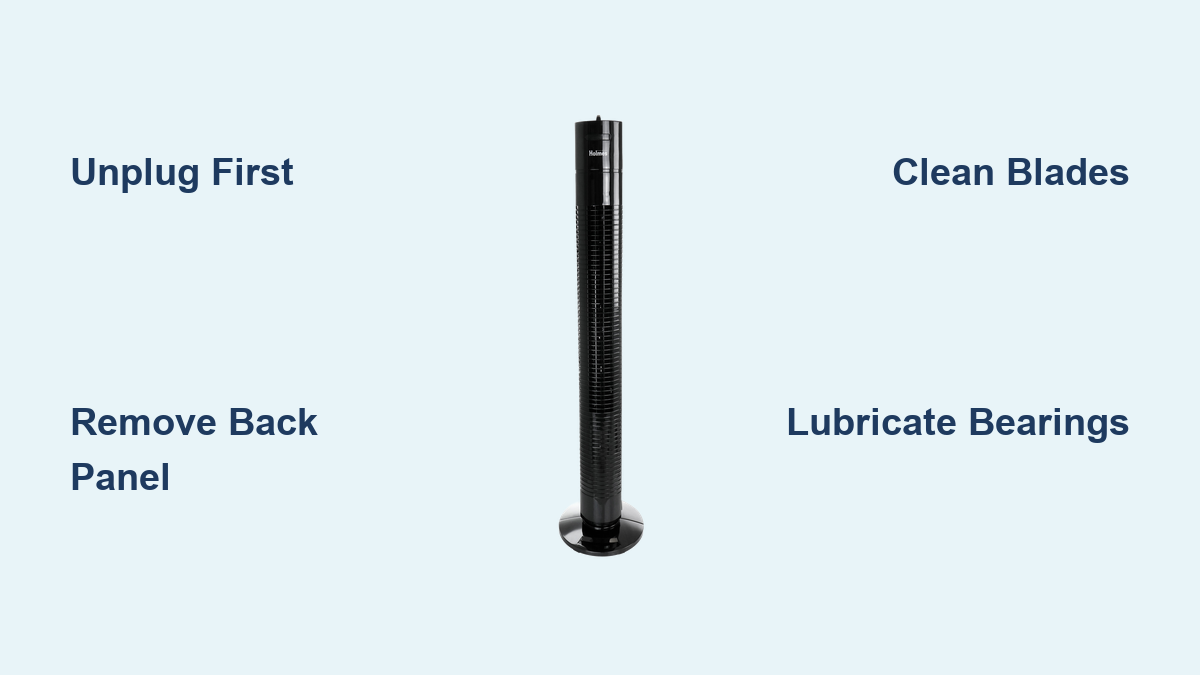
How to Clean Holmes Tower Fan
Is your Holmes tower fan blowing dust instead of cool air? A fan that once delivered smooth, quiet airflow is now rattling, grinding, or underperforming? You are not alone. Over time, dust, lint, and debris build up inside the vents and motor housing, reducing efficiency and air quality. The good news: cleaning your Holmes tower fan can restore performance, eliminate noise, and extend its lifespan, often in under an hour. This guide walks you through safe disassembly, deep cleaning, lubrication, and reassembly using only common tools and proven techniques.
Unplug Before Cleaning Your Holmes Tower Fan
Safety first: always unplug the fan before any cleaning or disassembly. This is not a suggestion; it is critical. The motor runs on 110 volts, and even a momentary power surge during blade manipulation can cause injury or damage. No step in this guide should ever be attempted while the unit is plugged in. Confirm the fan is fully disconnected from the outlet before touching any screws, panels, or internal parts.
Gather Essential Tools for Holmes Tower Fan Cleaning
Gather these items before beginning your Holmes tower fan cleaning project:
- Multi-bit screwdriver for removing screws
- Flat-tip screwdriver to release plastic clips
- Soft-bristled brush or dusting wand
- Microfiber cloth
- Vacuum with brush attachment
- Compressed air canister
- WD-40 or equivalent lubricant
Avoid using water or household cleaners unless you are performing a full internal wash, and even then, keep liquids away from electrical components. Choose an outdoor workspace if possible, or position the fan near an open window. Dust clouds are inevitable during cleaning, and outdoor ventilation prevents spreading allergens through your home.
Remove the Back Panel on Your Holmes Tower Fan

Most Holmes tower fans have two screws on the back panel, often hidden near the base or handle area. Some models may have 2 to 4 screws along the rear or side edges. Use the correct screwdriver bit to remove them. Stripped screws make reassembly harder. Keep screws in a small container so they do not get lost.
Release the Plastic Retaining Clips
Once screws are out, the housing is held by plastic clips along the sides. Forcing the panel off can crack the casing. Instead, use your thumb to create a small gap at the top edge of the back panel. Insert a flat-tip screwdriver into the seam and slide it down the length of the panel to disengage each clip. Listen for a distinct pop. This confirms a clip has released. Repeat on the opposite side.
Lift the Back Panel Correctly
Do not pull the panel off yet. Two hidden clips at the bottom fit into slots and must be lifted, not pulled. After the side clips pop, slide your hand under the back panel and lift it upward and outward. This clears the hidden lower clips from their slots. Some models only require screw removal and an upward lift. If resistance occurs, stop and recheck for missed screws or clips.
Clean Vents and Exterior Surfaces
With the panel still on, use a vacuum with a brush attachment to clean both front and back grilles. Gently move the brush between vent slats to pull out dust, pet hair, and lint. This step removes surface debris before deeper cleaning.
Spray short bursts of compressed air into the vents from the outside. This dislodges trapped particles deep inside the housing. Do this outdoors or near a window. Dust will fly out. Never use high-pressure air guns. They can damage internal components.
Use a dry microfiber cloth to wipe the entire exterior. Avoid wet cloths or sprays. Moisture can seep into electronics and cause shorts.
Deep Clean the Blade Assembly

After removing the back panel, you will see the vertical blade column and motor housing. These parts are prone to heavy dust buildup, especially if the fan has not been cleaned in years.
Hold the fan steady and spray compressed air across the blades from side to side. Rotate the blade column by hand to expose all angles. This removes loose dust and cobwebs from between the fins.
Use the vacuum brush attachment to suction dust as you gently brush the blades. For best results, have a second person hold the vacuum hose, or clean outdoors to avoid indoor mess. Rotate the blades manually to reach all surfaces.
If no vacuum is available, wrap a microfiber cloth around a butter knife or thin tool to reach between blades. Wipe each fin carefully. Rotate the blade shaft to clean all sides.
Wash Heavily Soiled Components
On vintage or neglected fans, the bearing assembly may be caked with old grease and dirt. If noise persists after cleaning, remove this part entirely. Unscrew or unclip the motor housing. Gently pull out the blade column and bearings.
Use a soft brush or sponge and hose to wash away grime. Focus on the shaft and bearing housing. Never submerge electrical parts or motor windings.
Lay all washed parts on a towel in a warm, dry area. Allow at least 24 hours for full drying. Any moisture left inside can cause corrosion or short circuits.
Lubricate Moving Parts for Smooth Operation
Grinding, banging, or stiff rotation is usually dried grease in the bearings. Fresh lubricant restores smooth movement and prevents metal-on-metal wear.
Use WD-40 or a light machine oil. Apply a drop where the blade column enters the motor housing. Add lubricant to the base connection where the motor shaft meets the housing. Place a small drop on each bearing point at the top and bottom.
Use sparingly. Excess oil attracts dust and creates a sticky mess. After lubricating, spin the blade column manually. It should turn smoothly. If resistance remains, add another drop and rotate again.
Reassemble Without Breaking Clips
Before snapping the back panel on, position the two main clips to align with their slots. Ensure no wires or blades are caught in the housing.
Gently slide the panel downward until you hear a soft pop as each clip locks. If it does not seat easily, do not force it. Recheck alignment. Broken clips are common and hard to repair.
Once the panel is secure, reinstall all screws. Do not over-tighten. This can strip plastic threads. Hand-tight is usually sufficient.
Test the Fan After Cleaning
Plug in the fan only after full reassembly and drying. Turn it on to the lowest speed. If the blades do not spin, gently nudge them with your finger. Keep hands clear once moving. Listen for smooth operation. No grinding or banging should occur.
Turn off and unplug if the motor hums but does not spin. This may indicate a deeper issue.
Test all speed settings. The fan should run quietly and deliver strong airflow. If noise returns, double-check lubrication and blade balance.
Point the fan toward an open window and run it on high for 3 to 5 minutes. This blows out any residual dust loosened during cleaning.
Maintain Your Holmes Tower Fan Regularly
Clean your Holmes tower fan every 6 months for average use. Clean every 3 months for daily use or dusty homes. At minimum, clean at least once per year.
Regular cleaning prevents performance loss and extends motor life. A clean fan runs quieter, lasts longer, and circulates cleaner air.
Avoid Common Cleaning Mistakes
Using water near electronics can cause shorts or rust. Forcing panels breaks plastic clips. Use the slide-and-lift method instead. Over-lubricating attracts dust and creates sludge. Skipping the unplug step risks shock or injury.
If your fan shows a burning smell, smoke, persistent humming without spinning, or visible wire damage, stop using it. These indicate motor failure or electrical issues beyond cleaning.
Troubleshoot Post-Cleaning Issues
If the fan will not turn on, check the outlet and power cord. Ensure all internal parts are seated correctly. Verify the motor shaft spins freely by hand. If still unresponsive, the motor may be burnt out. Consider replacement.
If noise returns quickly, recheck lubrication points. Ensure blades are not bent or unbalanced. Clean vents more frequently if in a dusty environment.
Some Holmes models have manual oscillation. If yours should oscillate but does not, check for dust in the oscillation gears. Apply a tiny drop of lubricant to moving parts. If broken, disassembly may be needed.
Restore Vintage or Neglected Holmes Tower Fans

Fans from the early 2000s often suffer from hardened grease in bearings, severe dust buildup, and stiff or seized motors. Follow the full disassembly, wash, dry, and lubricate process. Patience pays off. Many old Holmes fans run like new after deep restoration.
If cleaning and lubrication do not restore function, the motor may be dead. Internal wiring could be degraded. Bearings might need replacement. For older models, replacement is often more cost-effective than repair.
Key Takeaways for Cleaning Your Holmes Tower Fan

A clean Holmes tower fan runs quieter, lasts longer, and circulates cleaner air. With basic tools and an hour of effort, you can restore peak performance. No need for costly replacements.
Follow these steps every 3 to 6 months, and your fan will keep you cool for years to come. Always unplug before cleaning. Use the slide-and-lift method to avoid breaking plastic clips. Lubricate sparingly to prevent dust buildup.
Frequently Asked Questions About Cleaning Holmes Tower Fans
How often should I clean my Holmes tower fan?
Clean your Holmes tower fan every 3 to 6 months depending on usage. Daily use or dusty environments require cleaning every 3 months. At minimum, clean once per year to maintain optimal performance and air quality.
Can I clean my Holmes tower fan without disassembling it?
Yes. You can vacuum vents, use compressed air, and wipe the exterior without fully disassembling the unit. However, deep cleaning requires removing the back panel to access the blade assembly and motor housing for thorough cleaning.
Why is my Holmes tower fan making grinding noise after cleaning?
Grinding noise after cleaning usually means the bearings need more lubrication. Apply WD-40 or machine oil to the top and bottom bearing points. If noise persists, the bearings may be worn or damaged and require replacement.
Can I use water to clean the internal parts of my Holmes tower fan?
Avoid direct water exposure to electrical components, motor windings, and wiring. If washing heavily soiled parts, use a soft brush with minimal water and allow all components to dry completely for at least 24 hours before reassembly.
How do I know if my Holmes tower fan needs lubrication?
If the fan makes grinding, banging, or stiff rotation sounds, the bearings likely need lubrication. Apply a small amount of WD-40 to the motor shaft and bearing points. The blades should spin smoothly after lubrication.