How to Fix a Tower Fan
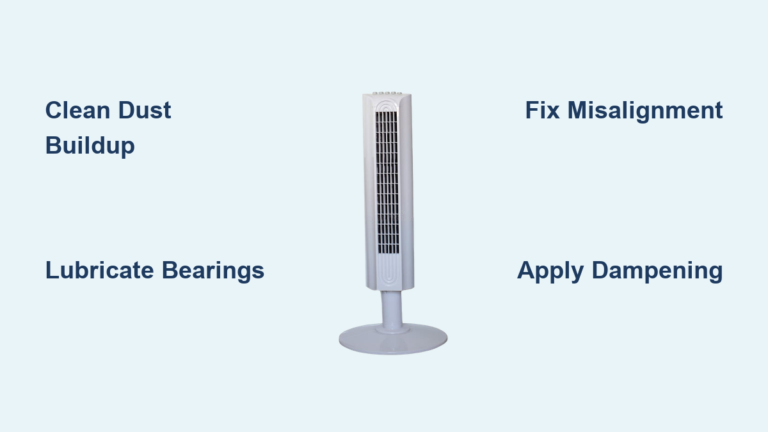
Is your tower fan suddenly silent, wobbling, or making strange noises? You are not alone. Thousands of tower fans fail each year, not because the motor is dead, but due to preventable mechanical and electrical issues like dried bearings, dust buildup, or blown thermal fuses. The good news? Most problems can be fixed in under an hour with basic tools and the right approach. This guide cuts through the confusion and gives you a clear, model-specific repair roadmap for Honeywell, Lasko, Bionaire, and other common brands.
Diagnose the Core Problem First
Before opening the fan, identify the exact symptom. Misdiagnosis leads to wasted effort. Use this quick reference to pinpoint the likely cause.
No Spin, But Light Is On
If the power indicator lights up but the blades do not turn, the motor is receiving electricity, but something is blocking rotation. This is not a dead motor in most cases.
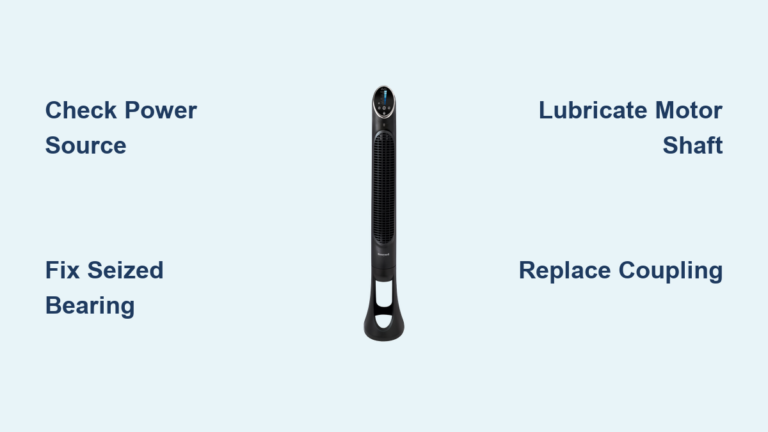
Check oscillation. If the head still swings side-to-side, the main motor is likely alive. Test by hand. Gently spin the blades. If they are stiff or will not move, the issue is mechanical friction, usually dried lubricant or debris in the spindle. Common culprits include seized top and bottom bearings, hardened grease, especially in Bionaire models, or safety switch disengagement on Honeywell units.
Fan Humming but Not Spinning
A low hum means power is reaching the motor, but it cannot overcome resistance. Listen closely. A steady hum indicates electrical input. Intermittent buzzing may point to a failing capacitor. Feel for vibration. If the motor vibrates but blades do not turn, the rotor is stuck. Likely causes are bearing seizure, debris in the shaft, or a capacitor that cannot provide starting torque.
No Power, No Lights
If nothing happens when you plug it in, the issue is upstream of the motor. Check the outlet. Plug in another device to confirm power. Inspect the cord. Look for frays, kinks, or loose connections. Test the switch. Some fans have internal switches that fail over time. A hidden cause is a blown thermal fuse or tripped safety cutoff.
Fix Non-Spinning Tower Fans

Most tower fans stop spinning due to mechanical resistance, not motor failure. Fix the cause, not the symptom.
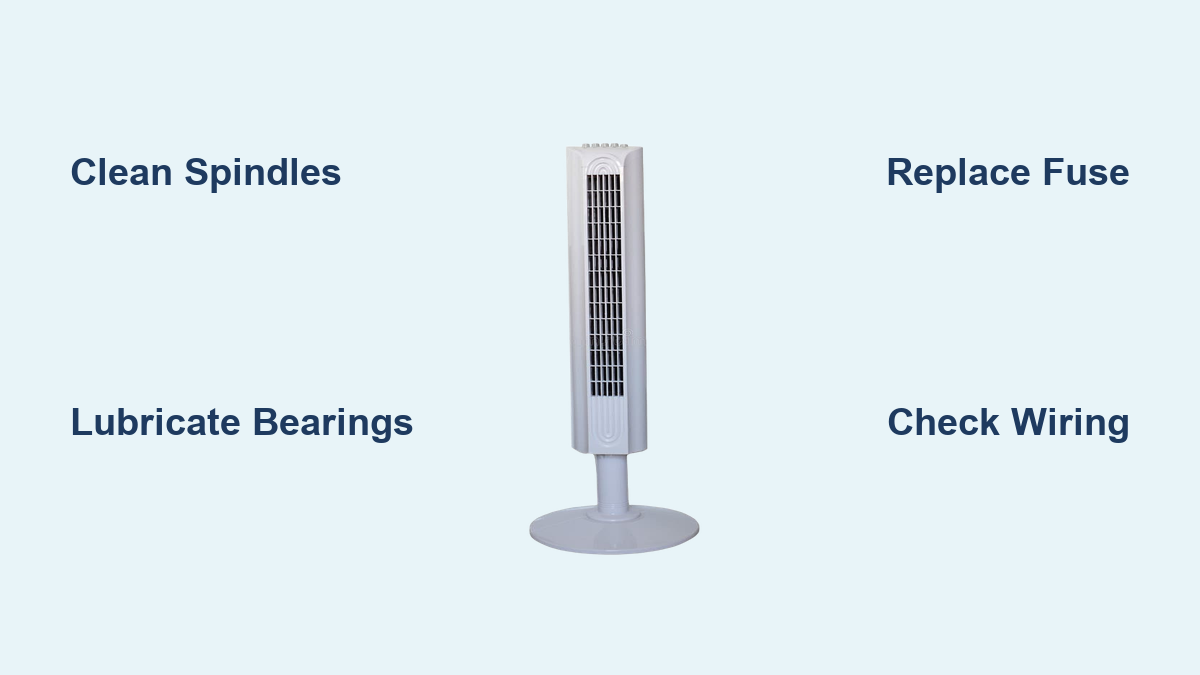
Clean and Lubricate the Spindles
Dry spindle points are the number one cause of lockup. Lubrication restores motion.
Tools needed: WD-40 with straw, Q-tips, isopropyl alcohol, Tri-Flow or white lithium grease.
Steps:
1. Unplug the fan.
2. Locate the top spindle, center shaft under the blade, and bottom spindle, base connection.
3. Spray WD-40 into both points using the straw to penetrate tight spaces.
4. Let sit for 5 minutes, then gently rotate the blade by hand.
5. Wipe away residue with an alcohol-dampened Q-tip.
6. Apply a tiny drop of Tri-Flow or synthetic bearing grease to each spindle.
7. Cycle through speed settings to work in the lubricant.
Pro Tip: On Honeywell fans, this often works without full disassembly. Lubricate through the grill openings.
Replace the Thermal Fuse
A blown thermal fuse cuts power to protect the motor. It is often triggered by bearing friction.
Symptoms: Squeaking before failure, oscillation still works, no motor response.
Parts needed: 2A, 250V, 130°C thermal fuse, heat shrink tubing, soldering iron.
Steps:
1. Remove anti-tamper screws using a Dremel or modified flathead.
2. Pop off the housing with a plastic spudger.
3. Locate the thermal fuse near the motor power input.
4. Test with a multimeter. No continuity means blown.
5. Desolder old fuse or cut leads. Install new one.
6. Secure with heat shrink tubing.
7. Reassemble and test.
Warning: Never bypass the fuse. Fix the root cause, clean and lubricate the bearings, or it will blow again.
Clear Hardened Grease

Black, tar-like residue in the bearing prevents rotation, especially on low speed. This is common in Bionaire BT440RC-CN models.
Tools: Isopropyl alcohol, Q-tips, small screwdriver, replacement screws.
Steps:
1. Remove base screws and side panels.
2. Pry off back panel with a spudger.
3. Unscrew the column bearing, top of shaft.
4. Pull out the rotor carefully.
5. Clean spindle and bore with alcohol-soaked Q-tips until all black gunk is gone.
6. Apply a pea-sized amount of high-temperature white lithium grease.
7. Reinstall rotor and secure with new screws. Original thread-lock is often compromised.
Restore Oscillation Function

If blades spin but the head does not swing, the oscillation system is faulty.
Check the Oscillation Motor and Gears
Common issues include stripped gears, loose wiring, and misaligned knob.
Steps:
1. Remove back cover to access the gear assembly.
2. Inspect gears for wear or breakage.
3. Ensure the oscillation knob is seated in the U-shaped slot.
4. Test continuity of the oscillation motor with a multimeter.
5. If motor is dead, replace it.
6. Realign gears and reconnect wiring securely.
Fix Tip: Never force the head side-to-side. This strips gears.
Eliminate Excessive Noise
Rattling, buzzing, or squeaking ruins the quiet comfort a tower fan should provide.
Silence Squeaking and Grinding
These sounds mean metal-on-metal contact from dry or seized bearings.
Solution:
• Apply 3M blue fan lubricant or silicone spray to top and bottom spindles.
• For severe cases, sand the shaft with 3,000-grit paper and polish with a buffing wheel.
• Re-lubricate with Tri-Flow.
Stop Rattling and Vibration
Loose parts or unbalanced blades cause shaking.
Steps:
1. Tighten all internal screws, motor mounts, and housing lugs.
2. Check if fan blades are bent. Use a ruler to inspect alignment.
3. Gently bend warped blades back into shape.
4. Clean blades evenly. Dust buildup causes imbalance.
5. Place on a flat, level surface.
Prevent Overheating and Shut-Offs
Fans that run briefly then stop are likely overheating.
Clean Dust-Clogged Vents
Dust blocks airflow, causing the motor to overheat and trip safety cutoffs.
Steps:
1. Unplug the fan.
2. Remove casing and motor housing.
3. Use compressed air or a soft brush to clean motor windings, inner vents, and blade surfaces.
4. Wipe down with a dry cloth.
5. Reassemble and test.
Maintenance Tip: Clean every 3 to 6 months to prevent this.
Check for Loose Wiring
Intermittent power often comes from frayed wires or loose plugs.
Inspect these points:
• Power cord near the base
• Internal wire connections
• Oscillation motor terminals
• Control board solder joints
Tighten or replace damaged wires. Use heat shrink tubing for safety.
Boost Weak Airflow
Poor performance is usually due to blockages or damaged blades.
Clear Intake Obstructions
Ensure 12 inches of clearance around the intake vent. Furniture, walls, or curtains restrict airflow.
Clean and Straighten Blades
Steps:
1. Remove blades carefully.
2. Wash with mild soap and water.
3. Dry completely.
4. Check for warping. Use gentle pressure to realign.
5. Reinstall evenly.
Warning: Uneven blades cause vibration and noise.
Stabilize a Wobbly Fan
Tipping or shaking fans are unsafe and noisy.
Reinforce a Cracked Base
Old plastic bases become brittle.
Fix options:
• Place a weighted mat underneath.
• Drill and attach a metal reinforcement plate to the bottom.
Level the Surface
Place the fan on a flat, hard floor. Avoid carpets or uneven tiles.
Model-Specific Fixes
Honeywell Tower Fans
Unique feature: Safety switch disables fan if back cover is not seated.
Repair hack:
• If fan will not start, remove cover and hose down entire unit.
• Dry for 3 to 5 days in warm weather.
• Re-lubricate spindles with WD-40 plus 3M blue lube.
• Reinstall cover fully to engage safety switch.
Disassembly: Remove two top screws and one hidden screw near the motor. Use a thin hook to pull out the plastic plug, then pry open.
Lasko Fans
Signature issue: Thermal fuse blows due to bearing seizure.
Fix sequence:
1. Open housing, anti-tamper screws.
2. Inspect front bronze bushing. Look for dry pads or rough shaft.
3. Clean with alcohol. Sand shaft with 3,000-grit paper.
4. Apply one drop of Tri-Flow to replace dry oil pad.
5. Replace 2A thermal fuse.
6. Reassemble.
Cost Save: $6 repair versus $60 or more for new fan.
Holmes Fans
Problem: Motor runs, blades do not spin.
Cause: Loose or damaged blade hub.
Fix: Remove blade assembly. Inspect hub for tightness. Lubricate shaft. Replace hub if cracked or stripped.
Seville Classics
Issue: Remote control not working.
Solutions:
• Replace remote batteries.
• Reset remote. Remove batteries, wait 30 seconds, reinsert.
• Check receiver connection inside the fan.
• Replace receiver module if needed.
Dimplex
Problem: Motor stalls, weak airflow.
Fix: Clean dust from motor and vents. Test and replace capacitor if bulging or leaking.
Prevent Future Failures
A little maintenance goes a long way.
Clean Every Few Months
• Use compressed air on vents and blades.
• Wipe exterior with damp cloth.
• No disassembly needed for routine cleaning.
Deep Clean Every 2 to 3 Years
• Disassemble and clean bearings.
• Re-lubricate spindles.
• Inspect wires and connections.
Never Skip Lubrication
Dry bearings destroy motors. Use WD-40 for cleaning. Use Tri-Flow or white lithium grease for long-term lubrication.
Essential Tools and Supplies
You do not need a full workshop. Here is what you actually need.
Tools
• Small Phillips and flathead screwdrivers
• Plastic spudger or butter knife
• Pliers for snap rings
• Multimeter for testing fuses and motors
• Dremel for anti-tamper screws
Lubricants and Parts
• WD-40 with straw
• Tri-Flow lubricant
• White lithium or synthetic bearing grease
• 2A thermal fuse
• Heat shrink tubing
• Replacement screws
Final Safety Notes
Always unplug before disassembly. Take photos during disassembly to simplify reassembly. Never bypass safety switches. They exist for a reason. Ensure complete dryness after cleaning before powering on. Match fuse specs exactly. Amp rating is critical.
Frequently Asked Questions About Fixing a Tower Fan
Why does my tower fan not spin but the light is on?
This usually means the motor is receiving power but cannot overcome mechanical resistance. The most common cause is dried lubricant at the spindle points or seized bearings. Try lubricating the top and bottom spindles with WD-40 followed by Tri-Flow. If the oscillation still works, the motor is likely fine.
Can I fix a tower fan myself without experience?
Yes. Most tower fan repairs are straightforward. The main fixes involve cleaning dust buildup, lubricating dry bearings, and replacing a blown thermal fuse. These repairs require basic tools like screwdrivers, a multimeter, and lubricants. Most fixes take under an hour.
How much does it cost to fix a tower fan versus buying a new one?
A thermal fuse costs approximately $6. Lubricants and cleaning supplies run about $10 to $15. A new tower fan typically costs $60 or more. Repairing a “dead” fan costs a fraction of replacement, often less than 20% of the price of a new unit.
What causes a tower fan to overheat and shut off?
Overheating usually results from dust-clogged vents blocking airflow, causing the motor to trip its thermal cutoff. Another cause is bearing friction from dried lubricant, which creates excess heat. Clean vents every few months and lubricate bearings annually to prevent this.
How do I know if the thermal fuse is blown?
Use a multimeter to test continuity across the thermal fuse terminals. An open circuit indicates the fuse is blown. The fan will show no response when plugged in, or the motor will not run while the control lights may still work.
Key Takeaways for Fixing Your Tower Fan
Most “dead” tower fans are not actually dead. They suffer from dried bearings, dust-clogged vents, or a blown thermal fuse. These issues are inexpensive to fix and typically take less than an hour. Always start with diagnosis. A humming motor that will not spin points to mechanical friction. No power at all suggests a thermal fuse or electrical issue.
Clean and lubricate the spindles first. Use WD-40 to penetrate stuck areas, then apply Tri-Flow or white lithium grease for long-term lubrication. Replace the thermal fuse only after addressing the root cause. Otherwise, it will blow again immediately.
Maintain your tower fan every 3 to 6 months by dusting vents and blades. Perform a deep clean and re-lubricate bearings every 2 to 3 years. This simple maintenance extends the life of your fan significantly and prevents most common failures.