How to Use a Table Fan: Quick Steps
You’ve just purchased a table fan and want instant relief from the heat, but do you know how to use it effectively? More than just plugging it in and turning it on, knowing how to position, control, and maintain your table fan can make the difference between a barely noticeable breeze and true cooling comfort. This guide walks you through every step to maximize airflow, efficiency, and safety.
From initial setup to advanced cooling strategies, you’ll learn how to assemble your fan correctly, where to place it for optimal circulation, how to use oscillation and speed settings wisely, and how to keep it running smoothly for years to come.
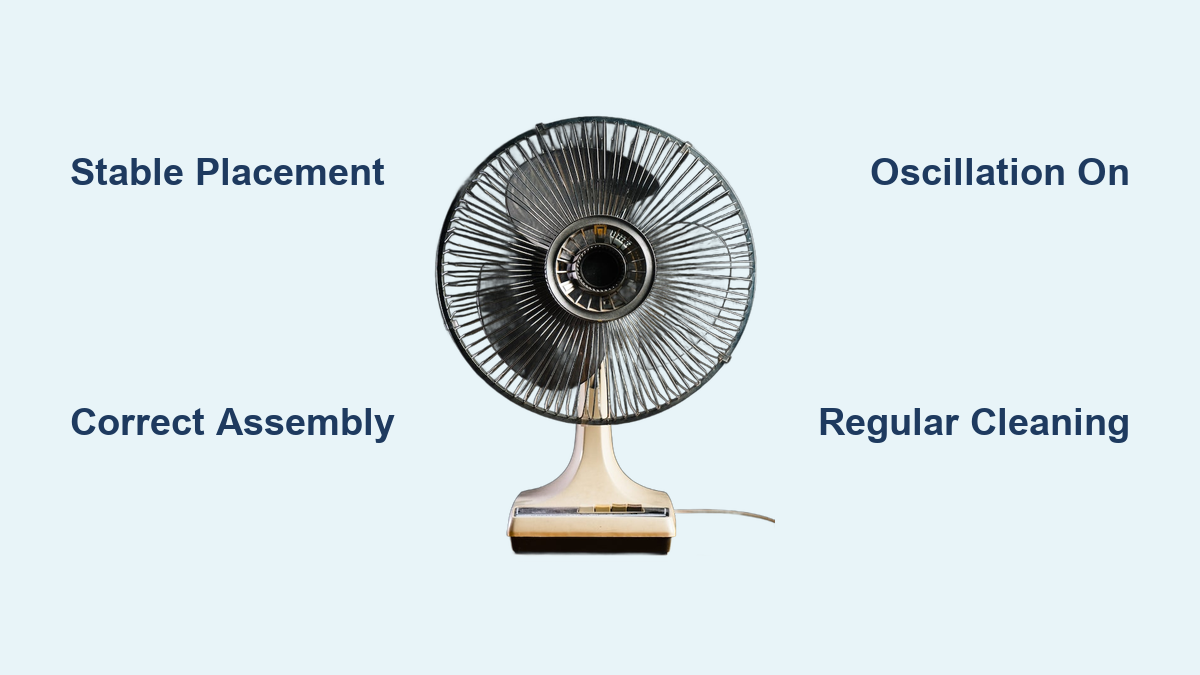
Secure Stable Placement First

Before turning on your table fan, proper placement is essential for performance and safety. A poorly positioned fan reduces efficiency and can even create safety hazards.
Choose a Flat, Sturdy Surface
Always place the fan on a level surface like a desk, table, or floor. An uneven or wobbly surface increases the risk of tipping, especially when oscillation is enabled. Avoid slippery countertops or cluttered shelves where accidental bumps could knock it over.
Maintain Clearance Around the Unit
Keep at least 12 inches of space behind and in front of the fan. Blocking the intake or output restricts airflow and forces the motor to work harder, reducing efficiency and lifespan. Never place the fan flush against a wall or behind furniture.
Avoid Moist or High-Humidity Zones
Unless your fan is specifically rated for bathroom or outdoor use, keep it away from sinks, showers, humidifiers, or open windows during rain. Moisture can damage internal components and create electrical hazards.
Assemble Your Fan Correctly
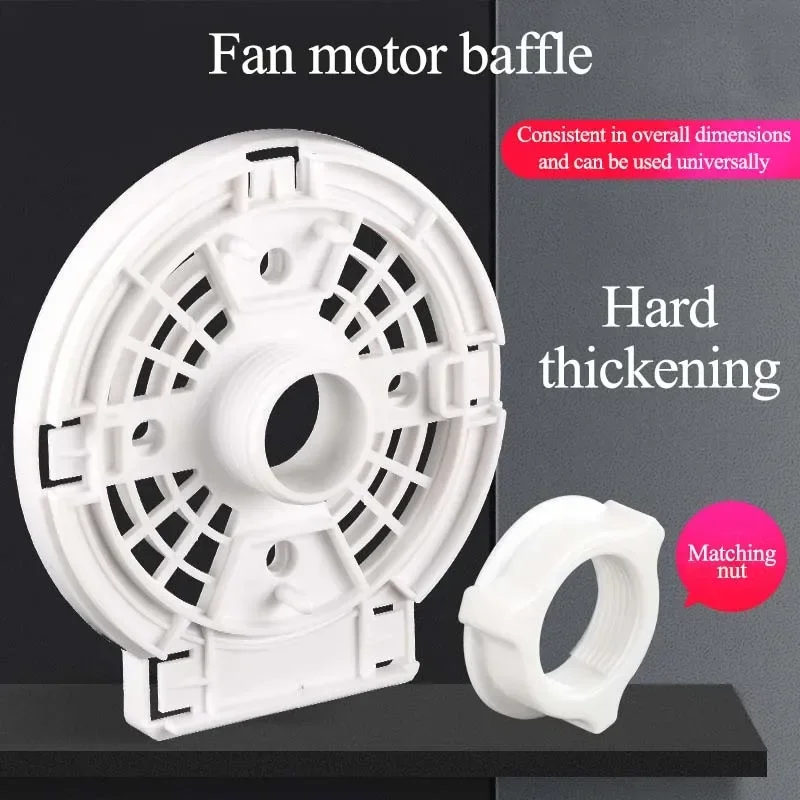
Most table fans require minimal assembly. Follow these steps to ensure stability and safe operation from day one.
Attach Base to Motor Housing
Align the motor housing with the base slot and press down firmly until it clicks into place. Secure it with the included screw to prevent vibration and wobbling during use. This connection supports the entire unit, so tightening the screw is crucial.
Lock the Back Guard in Place
Slide the back guard into position, aligning the slots on both sides. Rotate the locking mechanism clockwise to secure it. On some models, you’ll hear a snap when fully locked. Ensure no gaps remain between the guard and housing.
Mount Front Guard and Blades
If blades are separate, slide them onto the motor shaft before installing the front guard. Insert the clamp into the base slot, then position the front guard so the brand label faces outward. Tighten the screw until the guard is immovable. This protects fingers and ensures proper blade alignment.
Test Before Regular Use
Turn the fan on at the highest speed setting. Watch for excessive shaking or unusual noise. If either is present, recheck all connections. To disable oscillation on most models, pull the lever upward on the neck or base.
Power It On Safely
Using your table fan begins with a safe and correct power connection. Following these steps ensures reliable operation.
Match Voltage and Plug Directly
Ensure your fan is rated for your country’s standard voltage, typically 120V in the U.S. Plug it directly into a wall outlet whenever possible. Avoid extension cords or power strips unless they’re heavy-duty and rated for continuous use.
Locate the Power Switch
Find the switch, usually on the base or control panel, and flip it to “on.” Some fans have rotary dials that turn on when adjusted. Others have push buttons. If nothing happens, verify the outlet is working by testing another device.
Check Cord Position
Route the cord behind the fan or along a wall to prevent tripping hazards. Never run the cord under rugs or furniture where heat can build up and create fire risks.
Control Airflow With Speed Settings
Adjusting speed lets you customize comfort and energy use. Understanding when to use each setting improves your experience.
Use Low Speed for Gentle Circulation
Set to low for quiet background airflow in bedrooms or offices. This setting minimizes noise and power consumption while maintaining air movement to prevent stuffiness. It’s perfect for sleeping or focused work.
Increase Speed for Immediate Cooling
Switch to medium or high when you need a strong breeze, such as during workouts or in hot kitchens. Higher speeds enhance the wind-chill effect, making your skin feel significantly cooler.
Understand Capacitor-Based Controls
Most fans use capacitors to regulate motor voltage, allowing smooth speed transitions. These controls are durable but may produce a faint hum at lower settings. This is normal and not a sign of malfunction.
Activate Oscillation for Wider Coverage
Oscillation spreads airflow across a room instead of blowing in one direction. This feature transforms a personal fan into a room-cooling tool.
Enable Side-to-Side Sweeping
Press the oscillation button or move the lever to “on.” The fan head will begin rotating left and right, typically covering 80 to 100 degrees. This prevents one area from being overcooled while others remain hot.
Adjust Tilt for Targeted Breezes
Tilt the fan head up or down manually to direct airflow. For seated comfort, angle slightly downward. For whole-room mixing, point it horizontally or upward to bounce air off ceilings.
Disable When Focused Air Is Needed
Turn off oscillation when cooling a single person or spot, like a desk or bed. A fixed direction delivers more consistent airflow to that specific area.
Optimize Placement for Maximum Cooling

Strategic positioning turns a basic fan into an efficient cooling tool. The right location can dramatically improve performance.
Create a Cross-Breeze With Open Windows
Place the fan facing outward in a window to push hot air out. Open another window on the opposite side of the room to draw in cooler air. This natural ventilation strategy works best during early morning or evening hours.
Supplement AC or Ceiling Fans
Use the table fan near an air conditioner vent to distribute cold air faster. In rooms with poor airflow, it helps eliminate hot spots and reduces AC runtime, saving energy.
Position for Personal Comfort
In bedrooms, place at the foot of the bed. In offices, set it slightly to the side to avoid papers flying. In kitchens, aim it toward your workspace while cooking. Avoid pointing it directly at your face for long periods to prevent dry eyes or headaches.
Leverage Advanced Features If Available
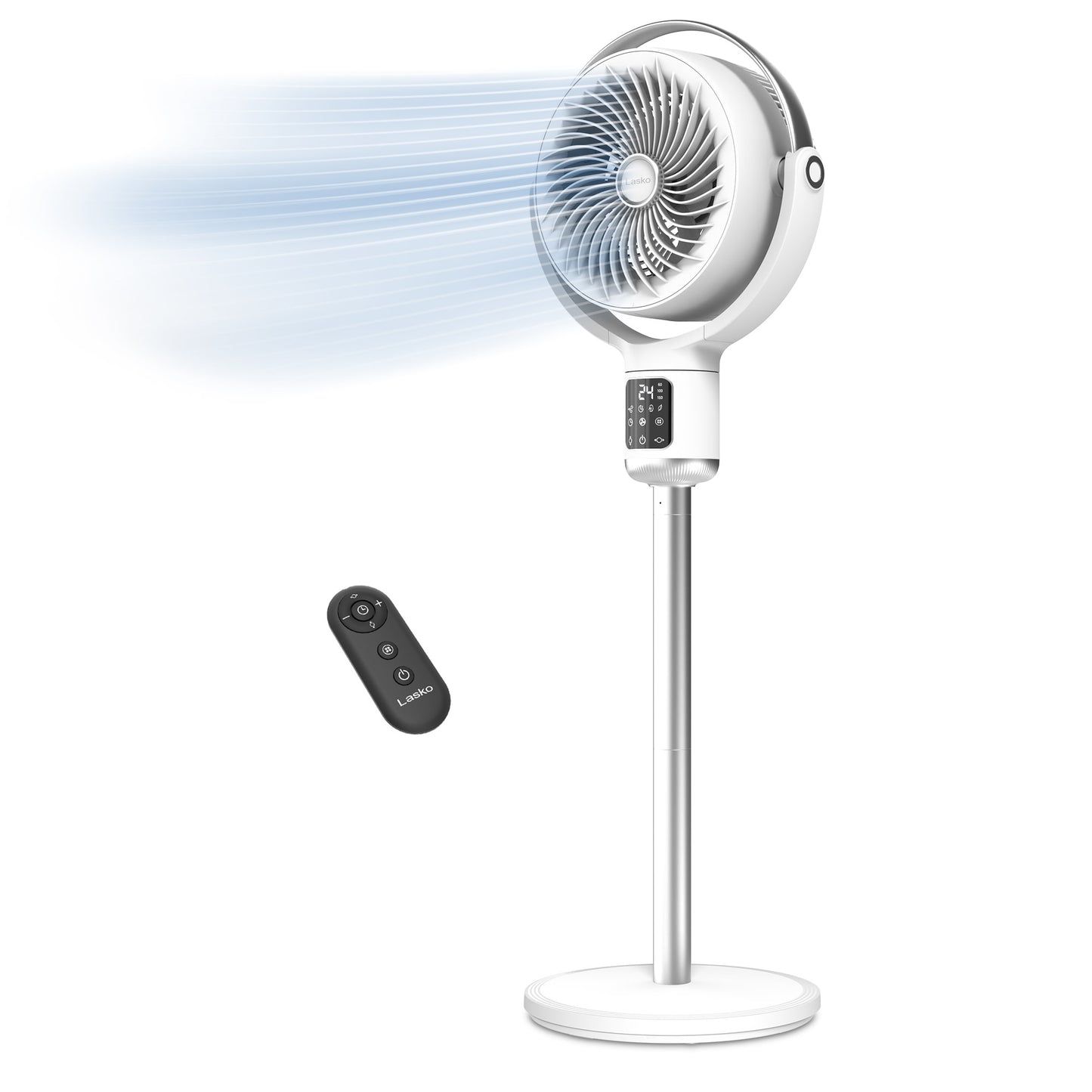
Modern fans offer smart functions that improve convenience and efficiency. These features add value beyond basic cooling.
Set a Timer to Save Energy
Use the timer feature, if equipped, to turn the fan off after 1 to 8 hours. This is ideal for falling asleep without running it all night. Timers reduce electricity use and motor wear significantly.
Use Smart Sensors for Auto Adjustment
Some models adjust speed based on room temperature or occupancy. These fans maintain comfort without manual input and are excellent for home offices or nurseries.
Benefit From DC or Brushless Motors
Fans with DC or brushless motors consume up to 70 percent less energy than traditional AC models. They offer whisper-quiet operation, precise speed control, and longer lifespans. The higher upfront cost pays off over time.
Clean Regularly for Peak Performance

Dust buildup blocks airflow and strains the motor. Regular cleaning maintains efficiency and extends the fan’s life.
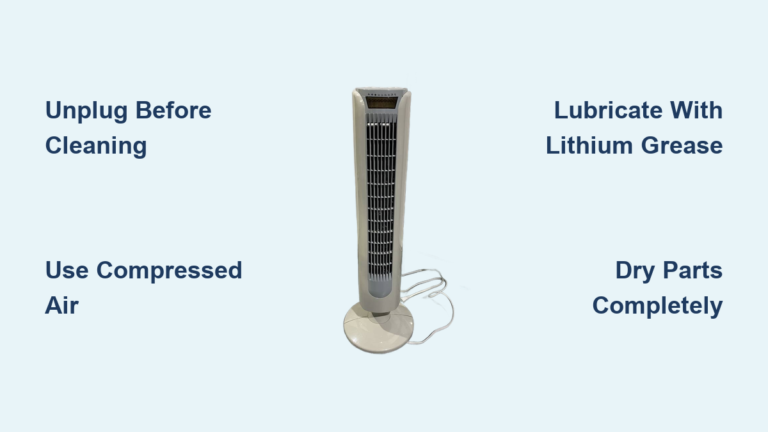
Unplug Before Every Cleaning
Always disconnect power before touching blades or guards. This prevents accidental starts and eliminates electrical risks during maintenance.
Wipe Blades and Guards Weekly
Use a damp microfiber cloth to clean each blade. For stubborn dust, use a soft brush or cotton swab around the hub. Clean both front and back grills to restore full airflow.
Deep Clean Every 2 to 4 Weeks
Remove guards if possible and wash with mild soap and water. Dry completely before reassembly. Check for loose screws and tighten as needed.
Never Ignore Motor Noise
If the fan starts humming loudly or vibrating excessively, it may need lubrication or internal cleaning. Consult the manual or contact the manufacturer. Don’t disassemble the motor yourself.
Follow Safety Best Practices
Safe operation protects you and extends the fan’s life. These precautions should become habits.
Keep Hands and Hair Clear
Even with grills, never insert fingers or objects into the fan while powered. Long hair, scarves, or loose clothing can get caught during startup or high-speed operation.
Prevent Tip-Overs
Ensure the base is fully assembled and locked. Don’t place on unstable surfaces like rolling chairs or narrow ledges. Many fans have tip-over switches that cut power if knocked over. Test this feature during setup.
Avoid Water Exposure
Never use near bathtubs, sinks, or outdoor areas unless the fan is IP-rated for moisture resistance. Water contact can cause short circuits or electric shock.
Maintain Energy Efficiency
Table fans are among the most efficient cooling devices. Smart use maximizes savings without sacrificing comfort.
Run Only When Occupied
Turn off when leaving the room. Unlike air conditioners, fans cool people, not spaces. Running them in empty rooms wastes energy.
Pair With Thermostat Adjustments
Raise your AC thermostat by 2 to 4 degrees and use fans to maintain comfort. The wind-chill effect makes you feel cooler, reducing cooling costs by up to 20 percent.
Choose High-Efficiency Models
Look for fans with ENERGY STAR ratings or brushless DC motors. They use less power, generate less heat, and often include timers and remote controls for added convenience.
Troubleshoot Common Issues Fast
Fix minor problems quickly to restore performance. Most issues have simple solutions.
Fan Won’t Turn On
Check the following:
• Is it plugged in?
• Is the outlet live?
• Is the switch engaged?
• Are blades obstructed?
• Is the circuit breaker tripped?
If none work, inspect the power cord for visible damage.
Weak Airflow
Likely causes include dust-clogged blades or grills, blocked intake or exhaust, or a worn motor or capacitor. Clean the fan first, then check for obstructions.
Excessive Noise or Vibration
Check for loose screws and tighten all connections. Ensure the surface is level. Damaged or unbalanced blades may need replacement.
Extend Lifespan With Smart Habits
Proper care ensures your fan lasts for years. These habits protect your investment.
Store Properly in Off-Seasons
Clean thoroughly, remove batteries if applicable, and store in a dry place. Cover with a cloth to prevent dust accumulation during storage.
Avoid Continuous 24/7 Operation
Even durable fans benefit from rest. Use timers or turn off when not needed to reduce motor wear and extend overall lifespan.
Respect the Warranty
Most quality fans include a 2-year warranty. Keep your receipt and follow manufacturer guidelines to stay covered for repairs or replacements.
Frequently Asked Questions About Using Table Fans
What is the best position for a table fan in a bedroom?
Place the fan at the foot of the bed or near a window to bring in fresh air on cooler evenings. The gentle breeze circulates air evenly, creating a peaceful environment for sleep without the cold blast of an air conditioner.
Can I use a table fan in the kitchen while cooking?
Yes, position the fan near the counter to stay cool while cooking or near windows to push warm air outside. This provides effective ventilation without bulky systems.
How often should I clean my table fan?
Clean the blades and guards weekly with a damp cloth. Deep clean every 2 to 4 weeks by removing guards and washing with mild soap and water. Regular cleaning maintains airflow efficiency.
Do table fans lower room temperature?
No, table fans do not lower room temperature. They create a wind-chill effect on your skin and improve ventilation by circulating existing air. They cool people, not spaces.
Can I leave my table fan running all night?
It’s better to use the timer feature if available. Running a fan all night wastes energy and increases motor wear. Set the timer for 1 to 8 hours based on your needs.
Key Takeaways for Using Your Table Fan Effectively
Knowing how to use a table fan goes beyond flipping a switch. By assembling it correctly, placing it strategically, using speed and oscillation wisely, and cleaning it regularly, you unlock its full potential for comfort, energy savings, and safety. Start by ensuring stable placement with adequate clearance around the unit. Use low speed for quiet environments and higher speeds when you need immediate cooling. Activate oscillation to distribute air across the room, but disable it for targeted airflow. Clean the blades and guards every few weeks to maintain peak performance. Pair your fan with open windows for natural cross-breezes or use it to supplement your air conditioner. Whether you’re beating summer heat or improving airflow in a stuffy room, a well-used table fan delivers reliable, quiet, and cost-effective cooling no matter the season.