How to Use Mini Fan
You’ve just unboxed your new mini fan, but now you’re wondering how to actually use it. Whether you grabbed a budget handheld model or invested in a high-tech USB-C powerhouse with 100 speed settings, knowing how to operate, charge, and optimize your mini fan makes all the difference. From commuting in sweltering weather to staying cool during a power outage, a mini fan is more than just a gadget. This guide covers everything you need to know about how to use mini fan features effectively.
Activate Your Mini Fan

Your mini fan likely uses one of several control systems. Understanding yours is the first step to getting the best experience.
Single-Press Power On
Most basic mini fans use a simple one-button system. Press the power button once to turn it on. The fan starts spinning immediately at its default speed, which is usually high on single-speed models. Press again to turn it off. No menus, no settings, just instant airflow. These are common in low-cost models and ideal for kids or casual use.
Toggle Wheel Control
Premium models like the JISULIFE Pro 1S replace buttons with a rotating toggle wheel. Turn it clockwise to increase speed and counterclockwise to reduce. This allows for 100 precise speed levels, so you can go from a soft breeze to a blast of air with smooth control. The built-in LED display shows your current setting in real time.
Multi-Speed Button Systems
Many mid-range fans use a press-to-cycle system. First press gives you low speed. Second press switches to high speed. Third press turns the fan off. This lets you balance cooling power and battery life. Use low speed indoors and switch to high when outdoors or during peak heat.
Enable Safety Lock
Some advanced fans have a safety lock to prevent accidental activation in bags or pockets. To unlock, press and hold the power button for 3 seconds. A blinking light or beep confirms it’s active. Always re-enable the lock after use to preserve battery.
Charge Your Mini Fan Correctly
Proper charging keeps your fan running at peak performance and extends battery life.
Identify the Charging Port
Check your fan’s port type before plugging in. USB-C is the standard for most modern models and offers reversible, fast-charging capability. Micro USB or pin connectors are found in older or budget models, and you should use only the included cable. Some fans have dual ports with USB-C input for charging the fan and USB-A output to charge your phone.
Never force a cable. Using the wrong one can damage the port permanently.
Connect and Monitor Charging
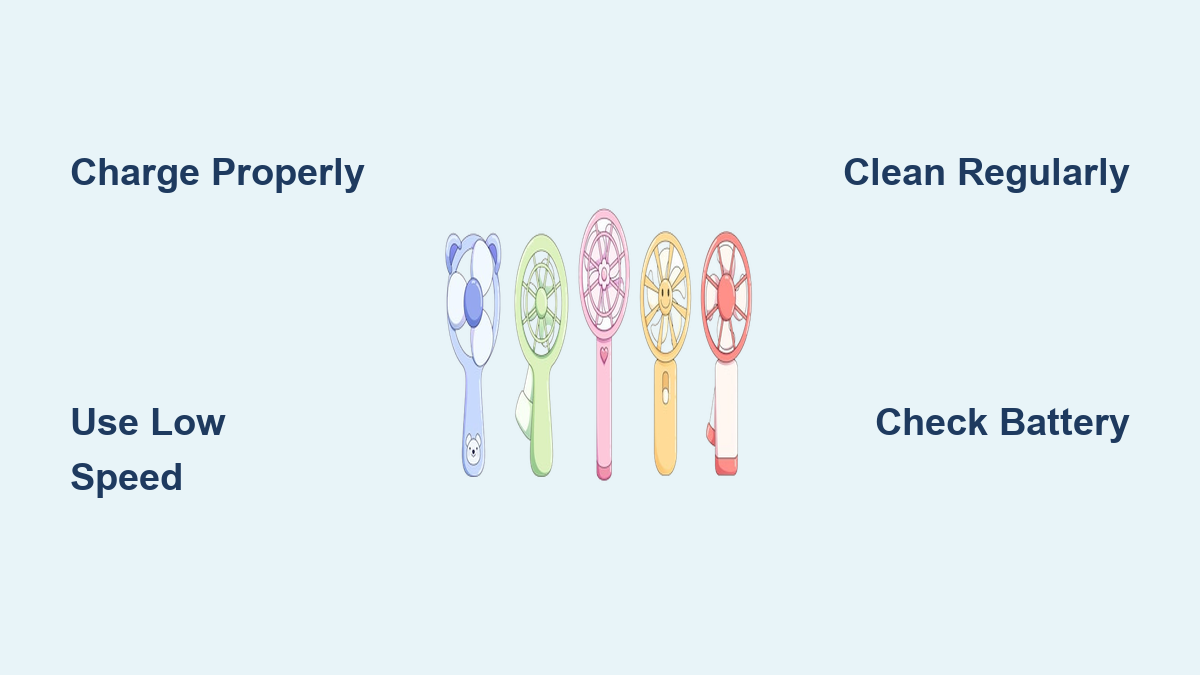
Plug the fan into a power source like a wall adapter, power bank, or laptop USB port. Watch the charging indicator. Blinking red means charging in progress. Solid red means fully charged. No light may indicate the model lacks an indicator, which is common in budget units. If no light is present, charge for 2 to 4 hours based on model specs.
Optimize Charging Habits
Avoid overcharging by unplugging once fully charged. Use a 5V/1A adapter for faster, stable charging. Low-current sources like older USB ports may charge slowly or not at all on high-capacity fans. Fast-charging models with 5000 mAh batteries benefit from USB-C PD support.
Adjust Fan Speed for Maximum Comfort
Speed selection directly impacts cooling power and battery life.
Use Low Speed for Quiet Cooling
Low speed is perfect for offices, libraries, and bedrooms. These settings run below 40 dB, which is whisper-quiet. They extend battery life significantly, with efficient models lasting up to 20 hours on a single charge. Low speed maintains airflow without distraction, ideal for indoor use when you want circulation, not a storm.
Switch to High Speed When It Is Hot
When temperatures rise, go full power for outdoor commutes, gym sessions, and beach days. High speed delivers 13 to 14 mph wind velocity, providing real relief. The trade-off is shorter runtime, dropping to 14 hours or less on premium models. Budget models may last only 25 minutes at max speed.
Pro tip: Use high speed in bursts. Run 2 to 3 minutes, then pause. This extends total usage and prevents motor overheating.
Fine-Tune with 100-Speed Control
On toggle-wheel models, dial in your perfect breeze. Levels 10 to 30 give gentle indoor airflow. Levels 50 to 70 provide balanced cooling for moderate heat. Levels 80 to 100 deliver maximum outdoor performance. The digital display takes the guesswork out of settings.
Use in Different Environments

Your mini fan adapts to various situations with the right technique.
Stay Cool During Commutes
Clip-on or neck fans free your hands while walking, biking, or riding the bus. Attach with a lanyard or metal ring. Use low speed to conserve battery during long trips. Always engage the safety lock before storing in a bag.
Boost Focus at Work or Study
Place a desk mini fan upright using its foldable stand. Aim it slightly toward your face, not directly, to avoid dryness. Choose a model under 40 dB so it does not disrupt concentration. Some fans double as phone stands, though angles may be fixed.
Survive Power Outages
Battery-powered fans are essential during blackouts. They provide ventilation when AC fails. Some 3-in-1 models act as emergency power banks. Use the USB-A port to trickle-charge your phone. Output is typically 4.4 watts, which is slow but enough to keep it alive in an emergency.
Enhance Outdoor Activities
At festivals, hikes, or the gym, durability matters. Look for reinforced grills and metallic or rugged plastic build. Use high speed during intense heat, then switch to low during rest. Avoid leaving the fan in direct sun, as heat degrades battery life.
Cool Kitchens and Small Rooms
Move your mini fan between spaces as needed. Use it while cooking to reduce kitchen heat. Place it near a window at night to pull in cooler air. This is great for homes without central AC.
Master Advanced Features
Many mini fans include extras beyond basic airflow.
Turn On the Built-In Flashlight
Many mini fans include an LED flashlight. Activate it by pressing and holding the power button for 2 to 3 seconds. Use it for power outages, night walks, or emergency signaling.
Warning: The light can be extremely bright. Never shine it directly into eyes.
Charge Your Phone with the Fan
Select 3-in-1 models have power bank functionality. To use, fully charge the fan first. Plug your phone into the USB-A output port. The fan does not need to be turned on. Output is typically 4.4 watts, which is slow but useful in emergencies. Avoid using the fan and charging port simultaneously to prevent overheating.
Use Foldable and Clip-On Designs
Foldable fans collapse for pocket storage. Unfold legs to stand on desks. Clip-on models attach to strollers, car seats, or treadmill consoles. Neck fans wrap around shoulders for hands-free cooling. Ensure clips are secure before moving.
Maintain Your Mini Fan
Regular maintenance keeps your fan running quietly and efficiently.
Clean Blades and Grill Regularly
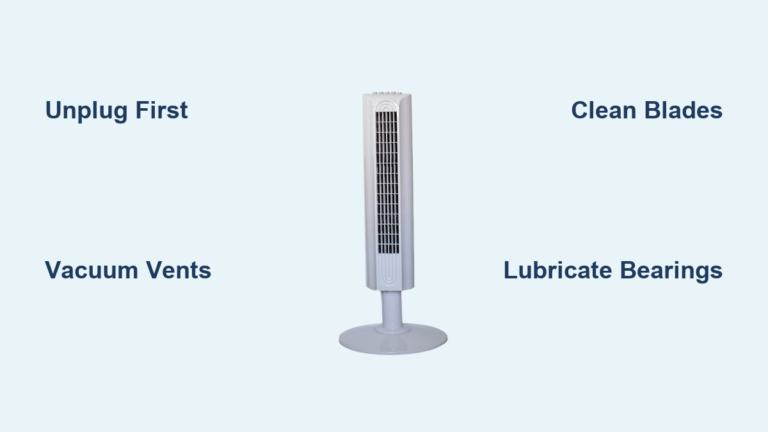
Dust buildup reduces airflow and unbalances the motor. Clean every 2 to 4 weeks. Turn off and unplug first. Wipe blades with a dry or slightly damp cloth. Use a soft brush for grills. Avoid getting water inside the motor housing. A clean fan runs quieter and lasts longer.
Store Properly
Keep in a cool, dry place. Avoid direct sunlight, which damages the battery. Remove from bags when not in use. Engage safety lock to prevent battery drain. For long-term storage, charge to 50% before putting away.
Replace the Battery If Possible
Some 3-in-1 models have user-replaceable batteries. When runtime drops significantly, buy a compatible 18650 or lithium cell. Open the battery compartment by referring to the manual. Swap the old cell and reassemble. This extends device life and reduces waste.
Troubleshoot Common Issues
Knowing how to diagnose problems saves time and frustration.
Fan Will Not Turn On
Check these items. Is the battery dead? Charge for 2 to 4 hours. Is the safety lock on? Hold the power button to unlock. Is the cable wrong? Match port type. Is the switch faulty? Try multiple presses.
Fan Slows Down After 10 Minutes
This is normal on low-capacity models. As the battery drains, voltage drops, reducing motor speed. To fix, use intermittent mode. Run 2 to 3 minutes, then rest 1 minute. Switch to low speed earlier. Upgrade to a 5000 mAh model for stable output.
Not Charging
Troubleshoot step by step. Try a different cable and power source. Ensure the port is free of lint. Check if the indicator light works. Confirm input current is adequate. If there is no light and no charge, the battery or charging circuit may be faulty.
Fixed Angle Limits Airflow
Some desk fans have non-adjustable stands. To redirect airflow, place on books or a stand to elevate. Reposition the entire unit. Choose models with tilt-adjustable heads next time.
Choose the Right Fan for You
Selecting the right model depends on your specific needs.
Budget Handhelds
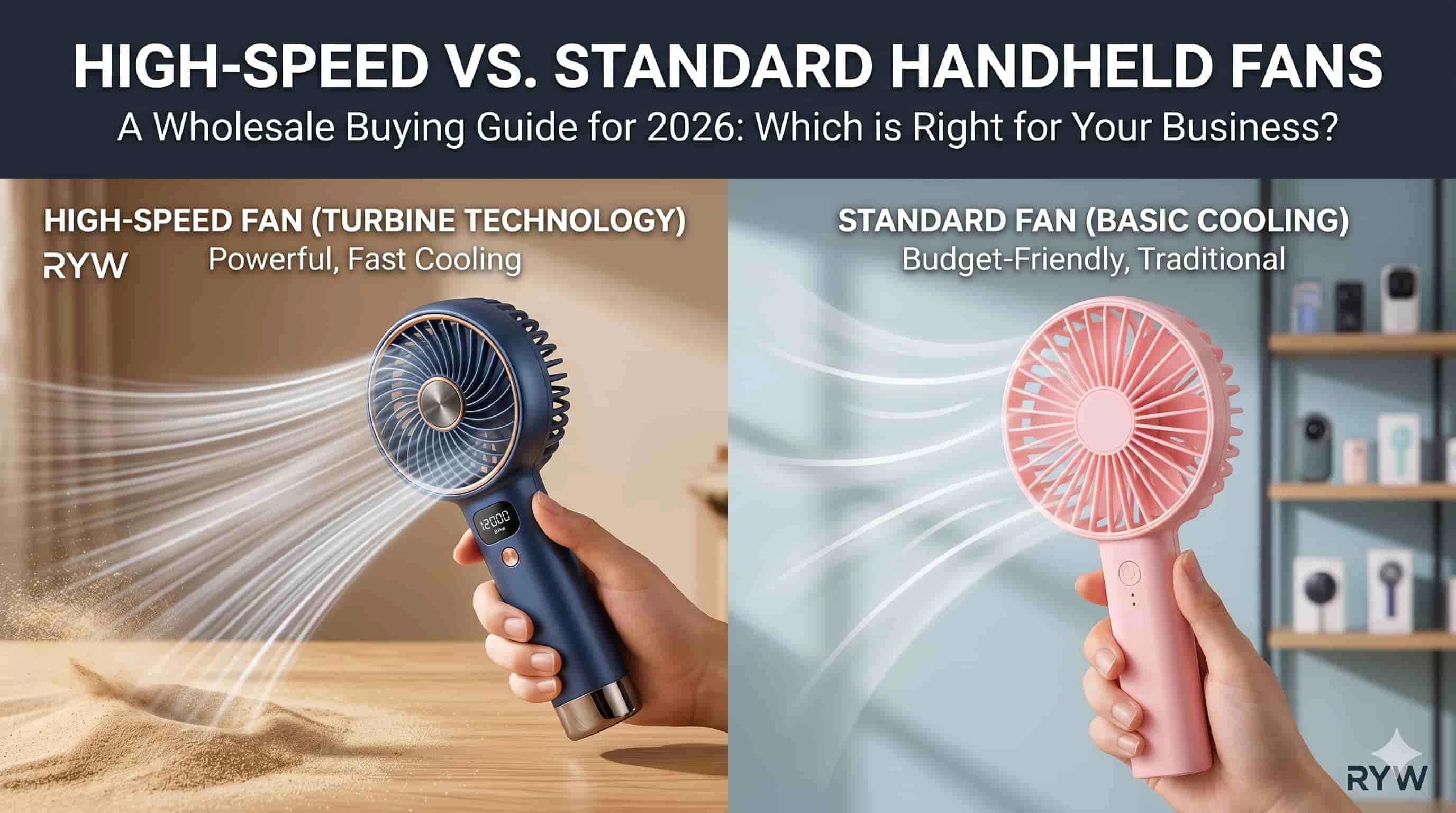
Best for kids, gifts, or short-term use. Pros are low cost and simplicity. Cons are 25-minute runtime, no speed control, and pin charger. Ideal if you need a quick fix and do not mind frequent recharging.
Premium Models
Best for daily use and commuters. Pros are 100 speeds, USB-C, 20-hour runtime, and quiet operation. Cons are higher price. Worth it if you value control, battery life, and build quality.
3-in-1 Multi-Function Fans
Best for emergencies, camping, and travel. Pros are fan plus flashlight plus power bank and replaceable battery. Cons are bulkier. Perfect for survival kits or off-grid adventures.
Specialized Types
Clip-on models work for strollers and gym equipment. Neck fans provide hands-free mobility. Foldable desk fans suit office or study use. Pick based on your primary use case.
Final Tips for Best Performance
Charge fully before first use. Use low speed indoors and high only when needed. Clean monthly for peak efficiency. Avoid water exposure, as most fans are not waterproof. Do not run continuously at max. Use intervals instead. Check specs, looking for 5000 mAh capacity, USB-C, below 40 dB noise, and 5-blade design.
A mini fan is more than a cooling tool. It is a portable comfort system. By mastering how to use mini fan features, you stay cool, save battery, and extend the life of your device. Whether you are battling summer heat or prepping for outages, the right technique turns a simple gadget into an essential.
Stay cool. Stay in control.
Frequently Asked Questions About How to Use Mini Fan
How do I turn on a mini fan for the first time?
Most mini fans turn on with a single press of the power button. For basic models, press once to start at default speed and press again to stop. Premium models with toggle wheels require turning the wheel clockwise to activate. Check your manual if unsure.
How long does it take to fully charge a mini fan?
Most mini fans charge fully within 2 to 4 hours. Budget models with smaller batteries may charge faster, while premium 5000 mAh models take longer. Always use the cable that came with your device for best results.
Can I use my mini fan while it is charging?
It depends on the model. Some fans can operate while charging, but this generates heat and may reduce battery lifespan. For safety, it is better to charge first, then use. Check your specific model’s guidelines.
How do I clean my mini fan properly?
Turn off and unplug the fan. Wipe blades with a dry or slightly damp cloth. Use a soft brush for the grill. Never submerge the fan in water or use harsh chemicals. Clean every 2 to 4 weeks for optimal performance.
Why does my mini fan stop spinning after a few minutes on high speed?
This is normal for budget models with small batteries. As the battery drains, voltage drops and motor speed decreases. Use intermittent mode or switch to low speed to extend runtime. Consider upgrading to a higher-capacity model.
Can a mini fan charge my phone?
Only 3-in-1 models with power bank functionality can charge other devices. Plug your phone into the USB-A output port. Output is typically 4.4 watts, which is slow but useful for emergencies. The fan does not need to be turned on to charge other devices.
Key Takeaways for Getting the Most From Your Mini Fan
Mastering how to use mini fan devices transforms a simple gadget into an essential cooling tool. Start by understanding your model’s control system, whether it is a basic single button or advanced toggle wheel. Charge properly using the correct cable and avoid overcharging to extend battery life. Choose low speed for quiet indoor use and high speed only when necessary, and consider using intermittent bursts to prevent overheating. Maintain your fan through regular cleaning and proper storage. Select the right model for your needs, whether a budget handheld for occasional use or a premium 3-in-1 fan for daily commuting and emergencies. With these techniques, your mini fan delivers reliable comfort all summer long.